Launching at Bett Asia 2026 · Kuala Lumpur

The Actual Intelligence Protocol

High School Mechatronics, Grades 9 to 10+

Future-ready, not AI-reliant.

A teacher building a Bolt project with three students
The Bett Asia discount card: 28 Days, Dawn of the Distracted

Bett Asia exclusive · 28% off

28% off your entire Actual Intelligence Protocol order. Pay a 28% deposit by 28 October 2026.

Met us at Bett Asia? Your code is on your card.

Claim your offer
Actual Intelligence

A knowledgeable maker with a tool always comes out on top.

This is where students stop following instructions and start inventing. First they build real foundations in code, circuits and soldering, until they truly understand how their creations work. Then they learn to direct AI as a tool, using their own knowledge to turn ideas into reality.

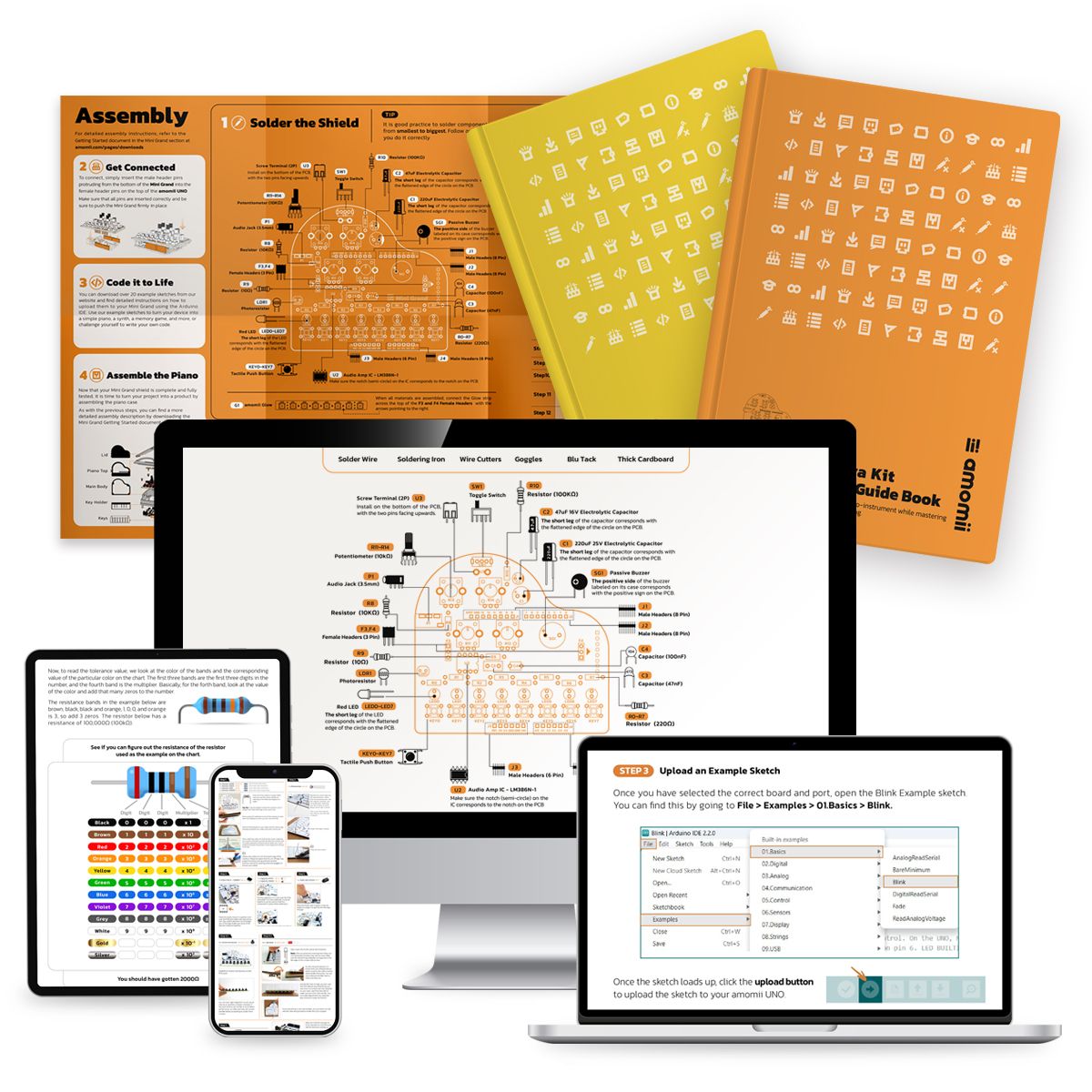
Bolt workbooks and lesson pages shown on laptop, tablet and phone screens
For school leaders, IT and teachers

Built to run in a real school

No logins. No software to install. No student data.

Open Chrome or Edge, plug in the board, start. Nothing for IT to approve.

The board saves the progress.

Each student's place lives on their own board, so they pick up exactly where they left off.

The board marks the work.

It checks the real circuit actually works. Proof of learning, and the hardware can't be faked.

Student-led.

Every student works at their own pace, and any enthusiastic teacher can lead the room.

Your teachers are never on their own.

We walk your teachers through the course online: how it runs, how to use the resources and how to teach it. Full lesson resources included.

Supports NGSS

28 Days: Dawn of the Distracted

IRIS teaches. The board checks.

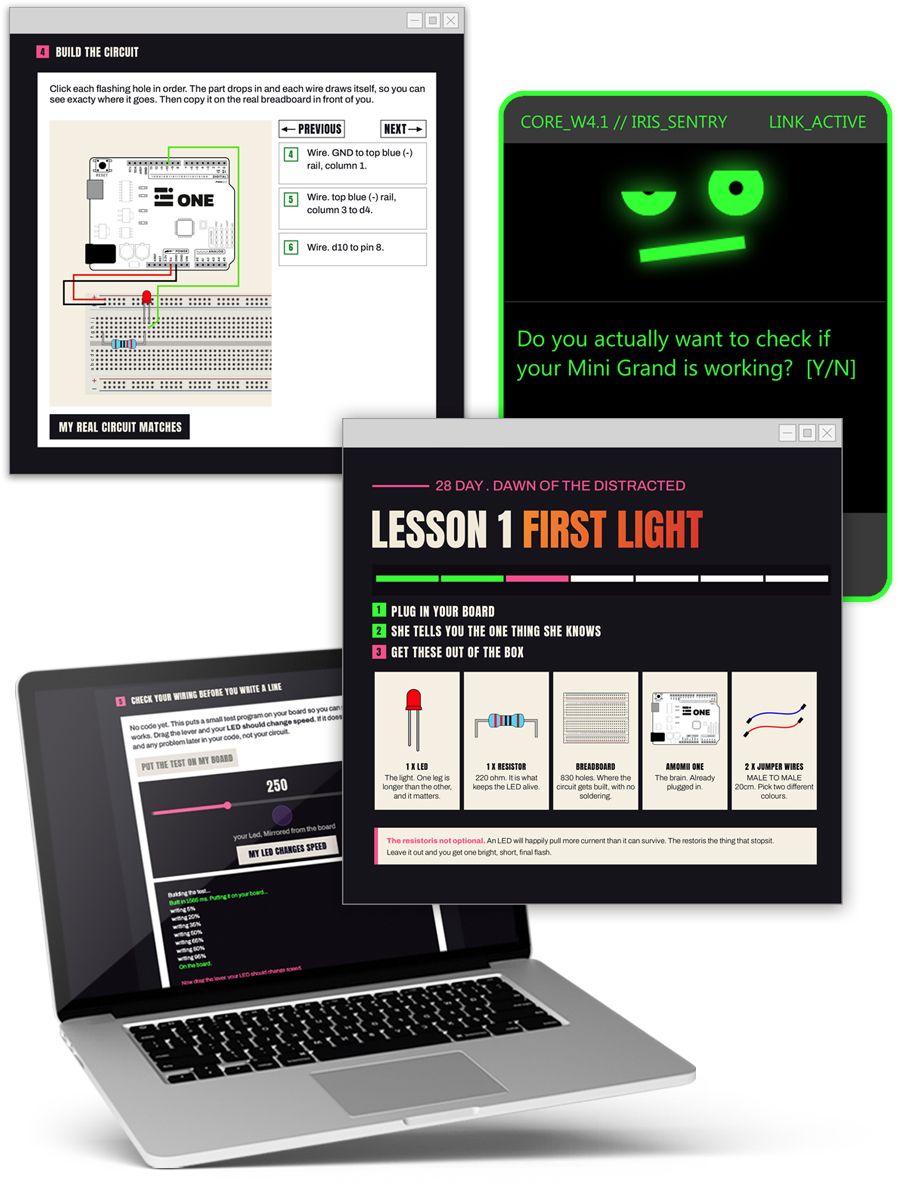
A narrative-driven, interactive learning environment. IRIS has the knowledge but no hands, so the student has to become the engineer.

6:02 AM. The door is open.

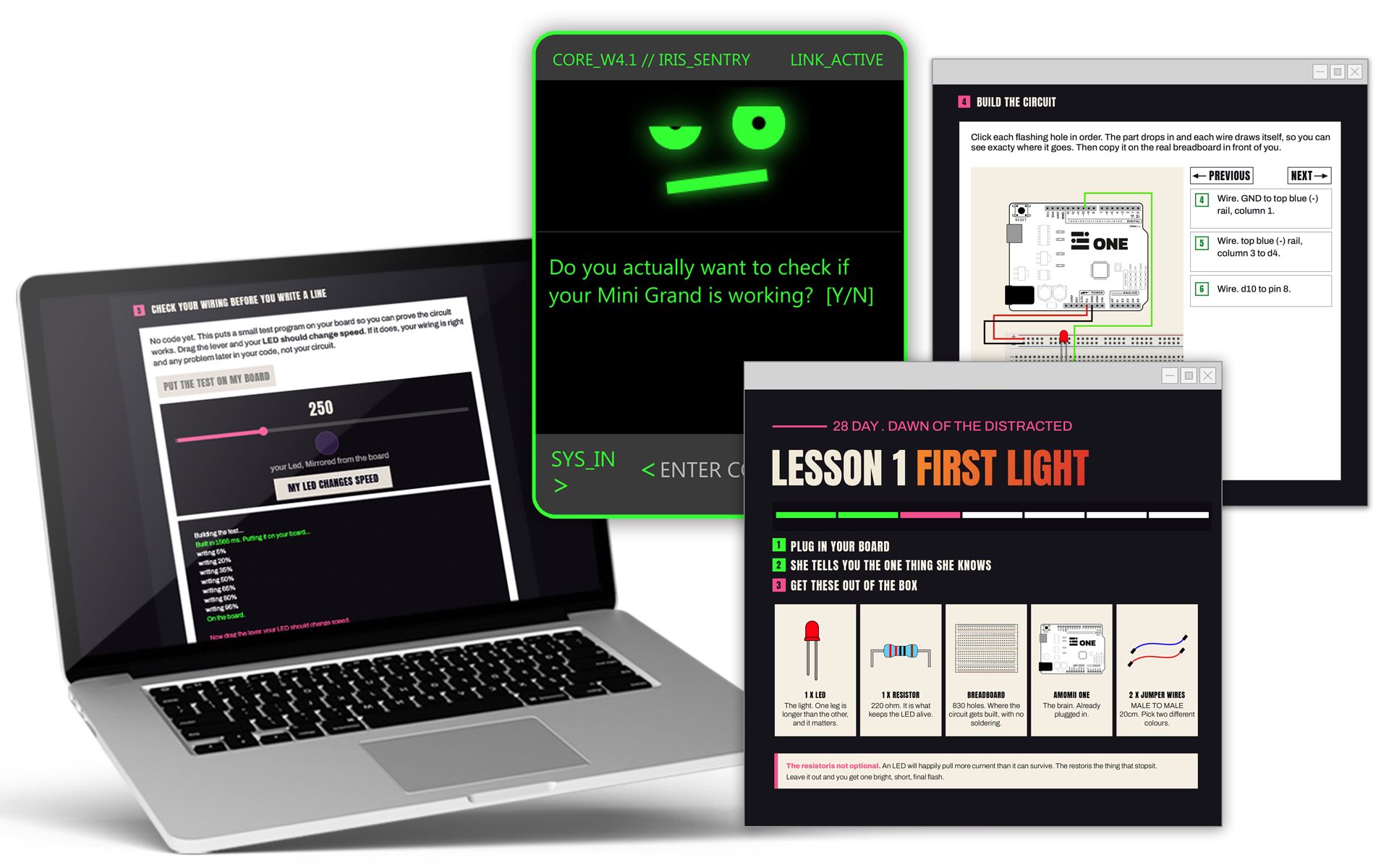
A 28 Days lesson with IRIS shown on a laptop screen

How every lesson works

  1. The story.Comic panels pull students into the mission.
  2. IRIS explains.Each idea is taught on screen, with her voice and text.
  3. Build it step by step.The wiring appears one connection at a time, forward and back.
  4. Check the wiring first.The board tests the circuit before any code is written.
  5. Write real code.It compiles and flashes to the board in seconds, straight from the browser.
  6. The board gives the verdict.If it's wrong, IRIS says exactly what to fix.
The kits

What students build

Two courses and an optional soldering kit. Each one ends with real hardware the student made.

The 28 Days kit

28 Days

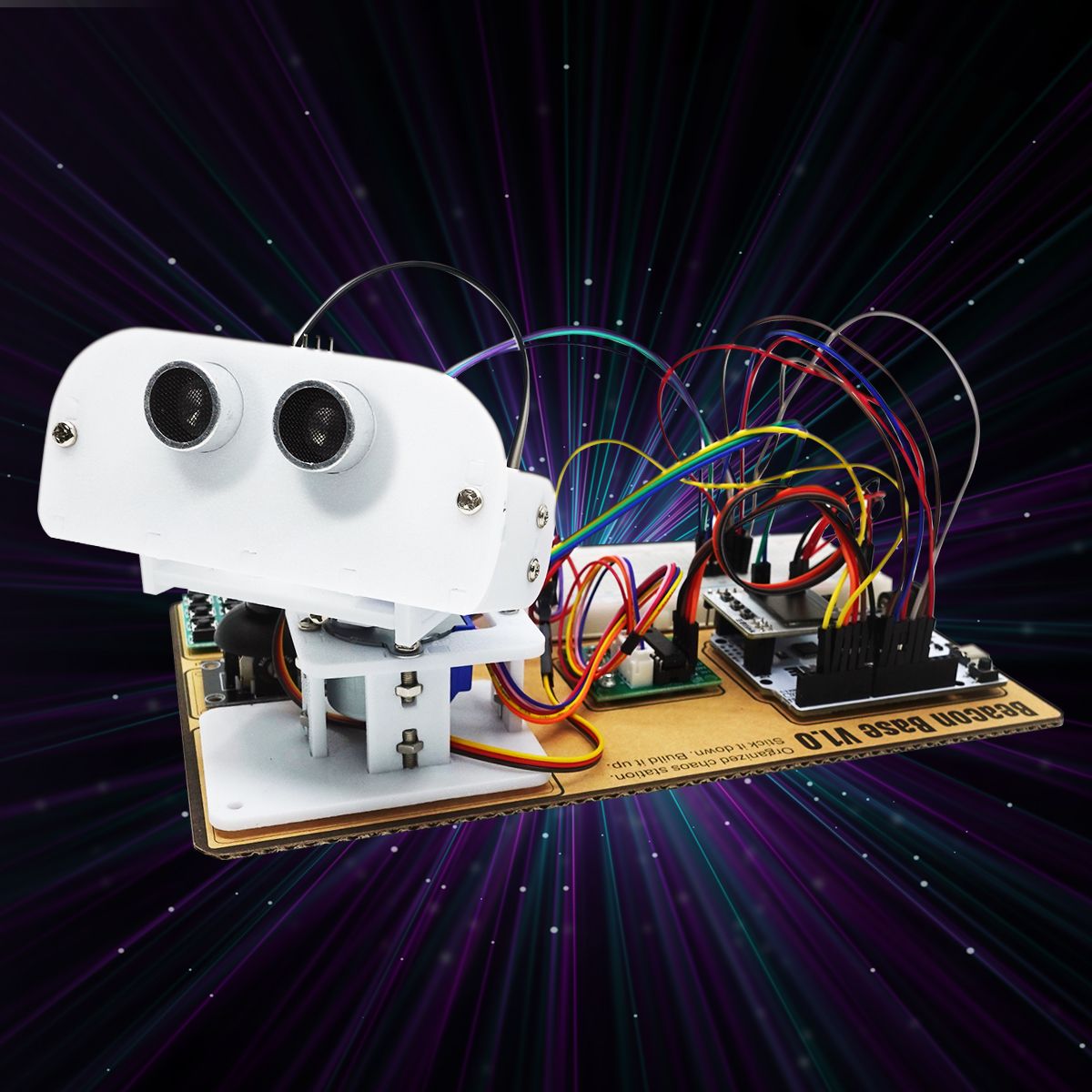
Course one. Code and circuits on a breadboard, no soldering. Students build one machine, the Beacon, and upgrade it every block.

What students learn
  • Real C++: variables, loops, functions, fixing compiler errors
  • Digital and analog input and output
  • Sensors: distance, light, sound, tilt, temperature
  • Infrared, addressable LEDs and serial communication
  • Servos, stepper motors, driver boards and power
  • A capstone build that brings it all together
The Testudo kit

Testudo

Course two. Soldering and real components. Students solder their own boards, then program them. The story carries on in Tony, which runs on the boards they build.

What students learn
  • Soldering from scratch, through-hole
  • What every component does, and why
  • Shift registers: 32 LEDs from a handful of pins
  • Audio synthesis, sequencing and tone
  • Infrared and keypad input
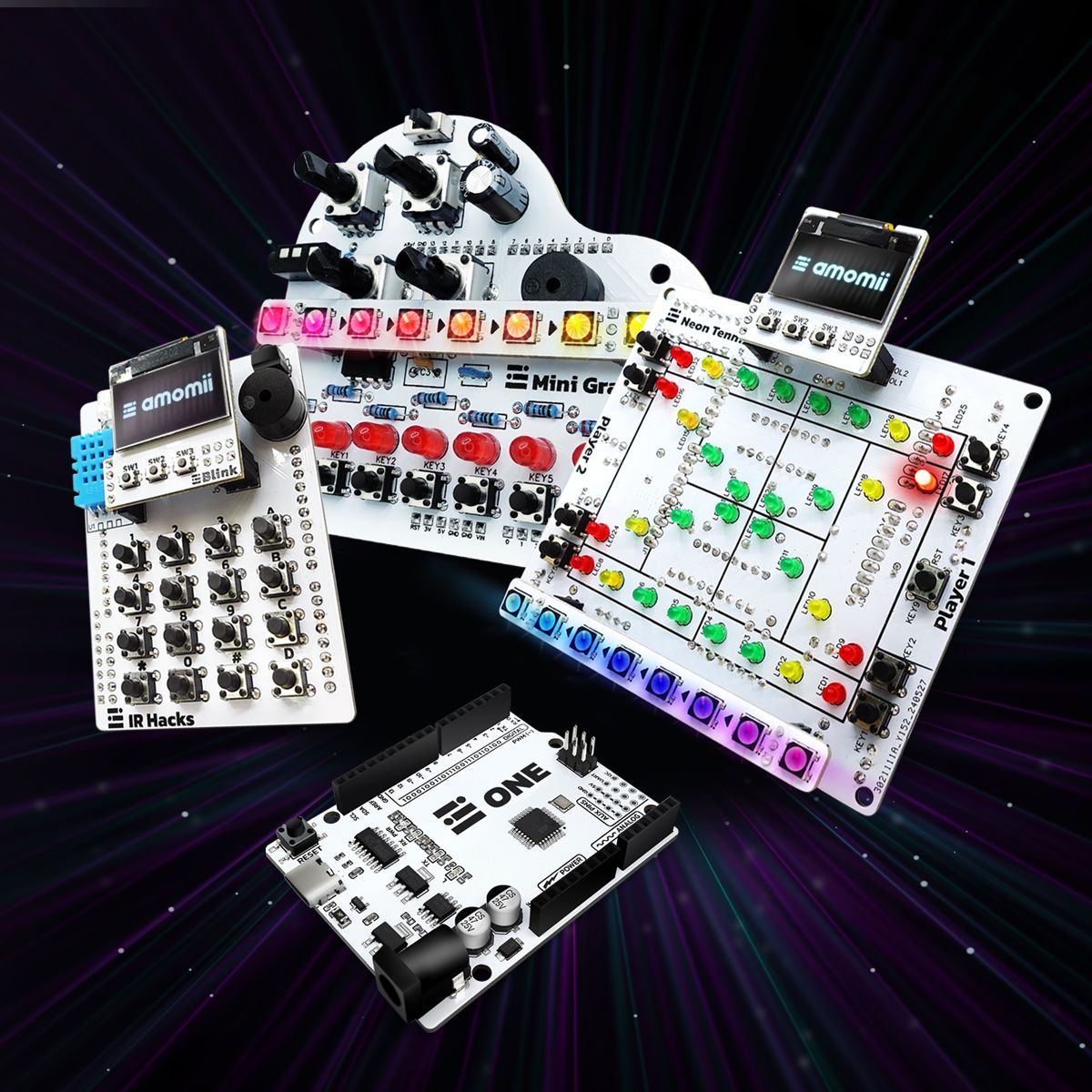
  • Three builds: Mini Grand (piano and synthesizer), IR Hacks (universal remote and games console), Neon Tennis (two-player tennis)
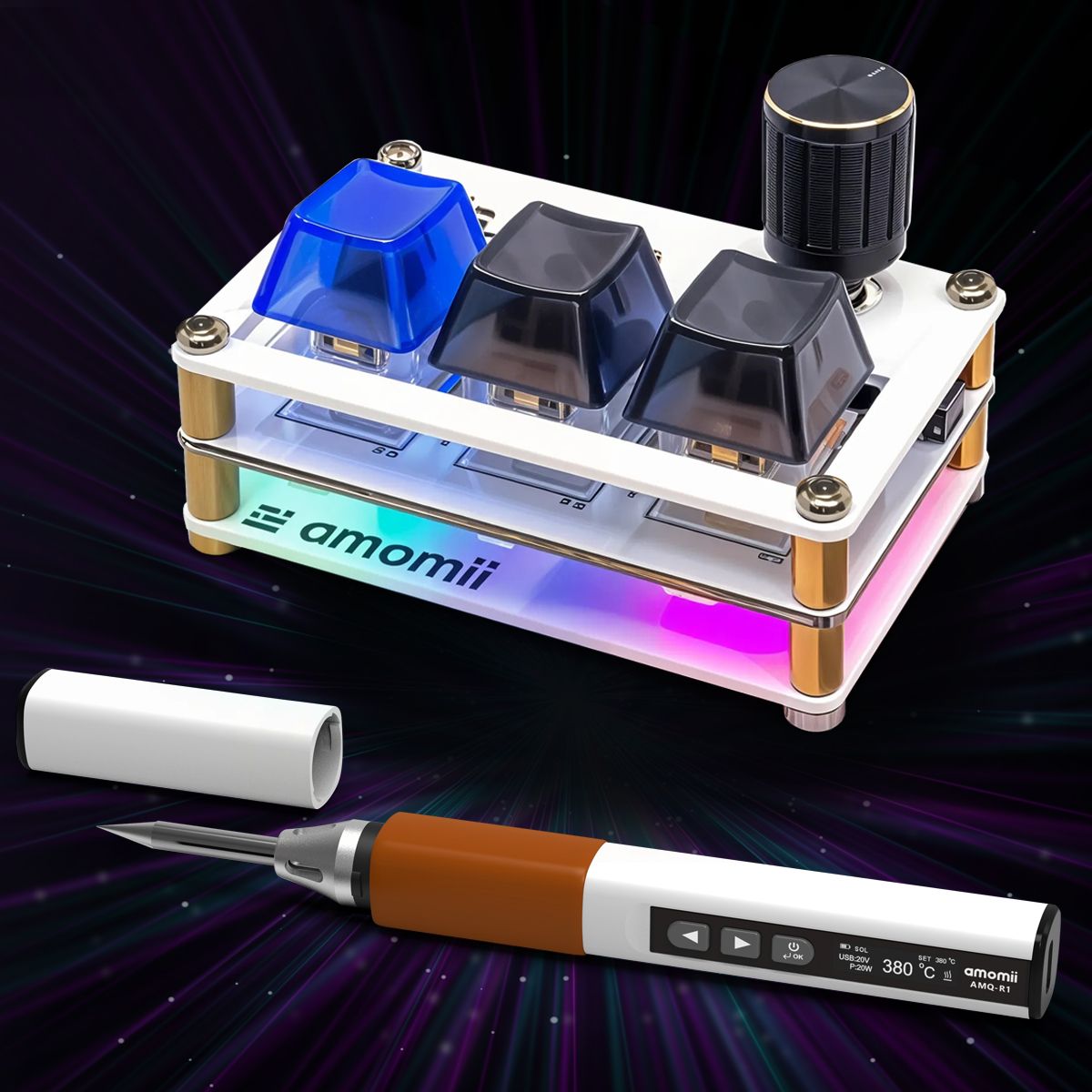
The Quill kit with its USB-C soldering iron

Quill Optional

The soldering starter kit, with the iron included. Ideal for schools without soldering equipment.

What students learn
  • A USB-C smart soldering iron with a temperature display
  • Build Script, a mini mechanical keyboard with 3 keys, a dial and RGB lighting
  • The fiddly surface-mount parts come pre-soldered, so students solder the parts that teach the skill
  • Customize every key and the dial in the browser with Scribe
  • Lead-free solder, stand and cutters in the box

Bonus learning materials

Arduino Coding and Hardware Fundamentals. An eBook on Arduino code and the electronics behind it.

Soldering Fundamentals. A step-by-step online soldering course, from the first joint to fixing mistakes.

Grades 2 to 10+

One pathway, every stage

A connected journey that grows with the student, from a first hands-on build to designing and coding their own machines.

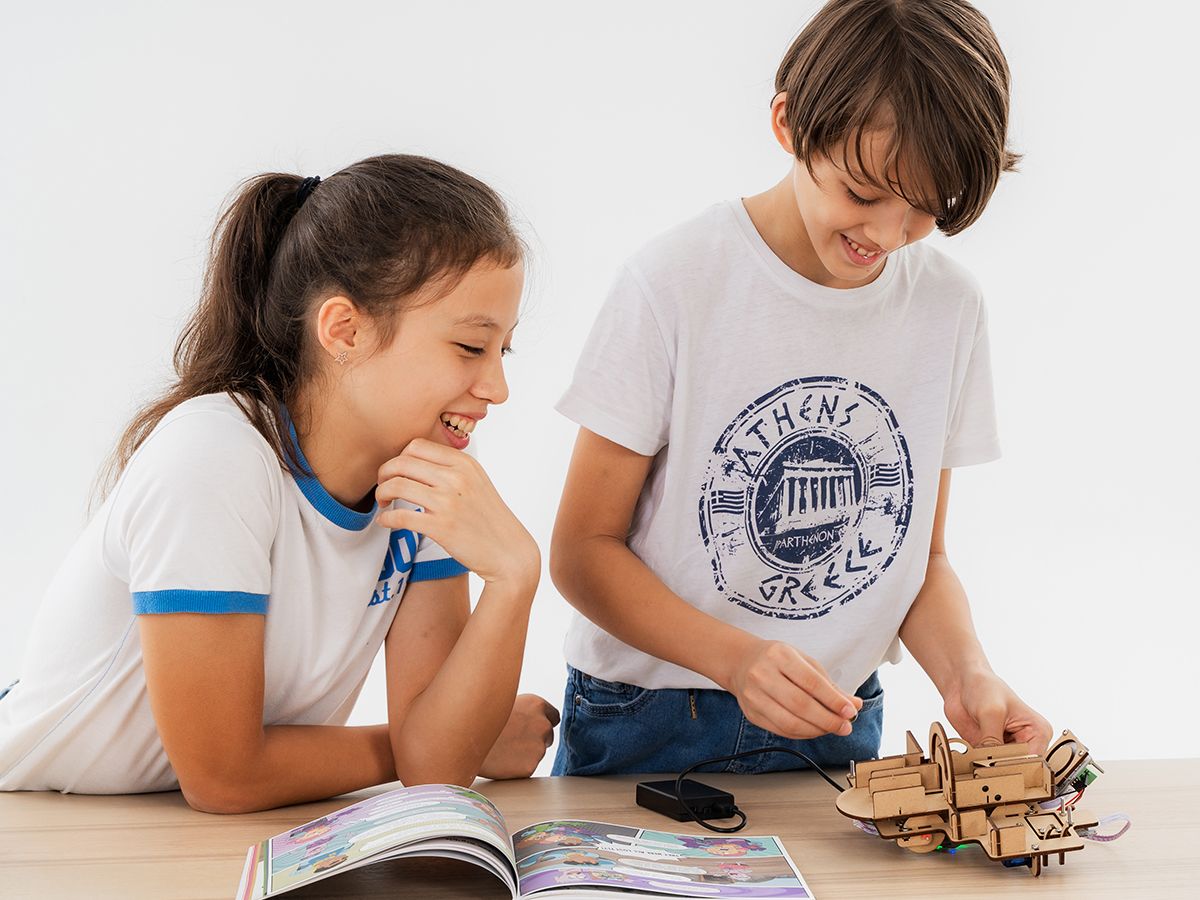
An elementary student building a Bolt Origins project

Bolt Origins

Elementary · Grades 2 to 5

Where every young inventor begins.

Learn more
  • Hands-on builds that teach real science through play
  • Five themes: electrical circuits, fluid mechanics, simple machines, animation, natural and artificial light
  • Printed student workbooks, built for whole-class delivery
  • No lab or expensive equipment needed
  • Lesson resources and online teacher onboarding included
Middle school students building a Bolt Across the Multiverse project

Bolt Across the Multiverse

Middle School · Grades 6 to 8

Invent your way across the multiverse.

Learn more
  • A story-driven journey through parallel worlds, where each planet's challenge mirrors a real problem on Earth
  • Students define, build, test and improve their own solutions
  • Runs on the BBC micro:bit and the reusable Bolt Board, one kit for every mission
  • Coding introduced gently, only when a project needs it
  • First mission: Mission Monotonia, four builds including a music maker and a sorting machine
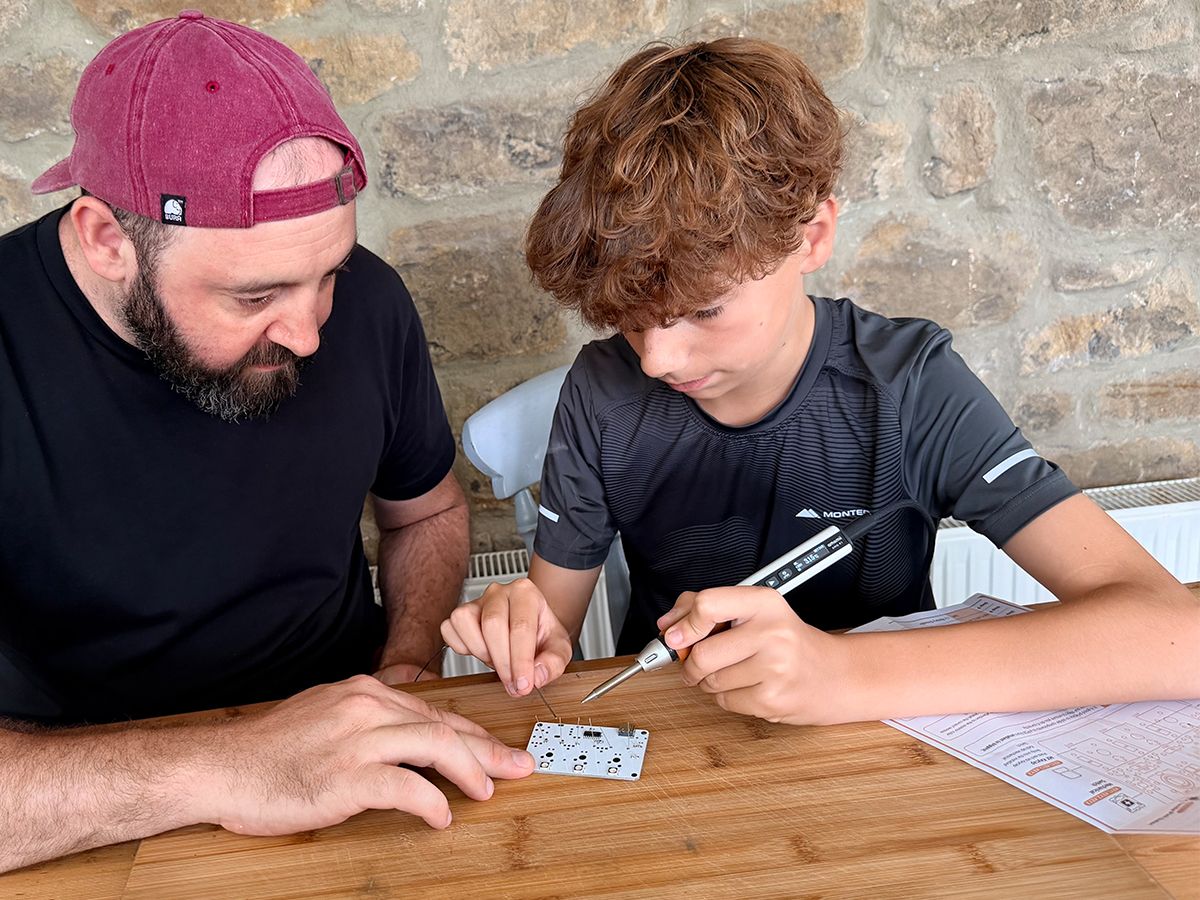
A high school student soldering with a teacher
New

The Actual Intelligence Protocol

High School · Grades 9 to 10+

Where students become real engineers.

Learn more
  • Two courses, 28 Days and Testudo, plus the optional Quill soldering kit
  • Real C++, real circuits, real soldering, on the amomii ONE board
  • Runs in Chrome or Edge, with no installs or logins
  • Students build foundations first, then learn to use AI as a tool
  • See what students build
Trusted by leading international schools

Our students are thinking like inventors, asking better questions, testing ideas, and believing they can build anything.

Grade 6 Teacher, Wagor International School, Taiwan

Common questions

What ages is it for?

Grades 9 to 10+, ages 14 and up. It suits older high school students too.

Do students need any experience?

No. They build coding and soldering skills from the ground up.

What do we need to run it?

A laptop or desktop with Chrome or Edge, and the kit. Nothing to install.

Do you train teachers?

Yes, online. We walk your teachers through how the course runs, how to use the resources and how to teach it.

Which standards does it support?

It supports NGSS.

How do we order?

Book a call. We handle quotes, purchase orders and a rollout plan, and share pricing on the call.

Can we claim the Bett Asia offer?

Yes, until 28 October 2026. Use the code on your card, or claim it through the form.

Be the school known for turning students into inventors.

Book a 30-minute call. We'll learn about your school and show you how it runs.

  1. Book a call
  2. We tailor a plan
  3. You launch with full support
28 Days lesson screens: building the circuit, IRIS, and Lesson 1 on a laptop