STEM and Design & Technology courses for schools

More making.Less marking.

Hands-on courses for ages 6 to 18, mapped to the curriculum your school already teaches. Students build real things. We do the heavy lifting on assessment, so your teachers can do the judging.

IBCambridgeNGSS
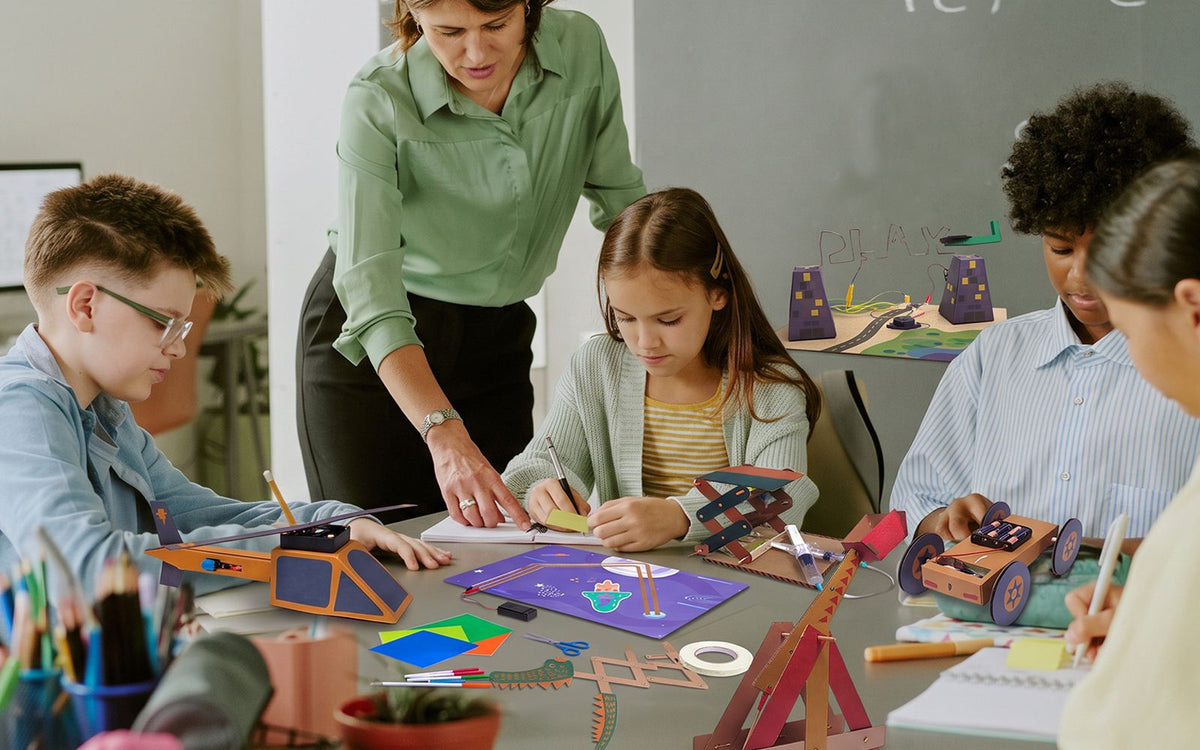
A Bolt teacher laughing with three students over their micro:bit builds
Three curricula

Built for the curriculum you already teach.

Bolt courses are developed and mapped by our own team to three leading frameworks, so a Bolt course counts toward the subject your students are assessed in.

an MYP Design student's portfolio page on a laptop, with sketches, a test chart and criterion A to D tabs
IB
International Baccalaureate

Design courses with method lessons, student tools and grading support built around the four MYP Design criteria.

Designed to support IB Design courses
a secondary student at a workbench in a D&T room, testing their own prototype, teacher looking on
Cambridge
Cambridge Primary and IGCSE™

Lessons mapped to Cambridge Primary Science, and to Cambridge IGCSE™ Design & Technology and Computer Science.

Mapped to Cambridge programmes
two elementary students measuring how far their catapult launches with a tape measure, clipboard in hand
NGSS
American curriculum

Every level mapped to the Next Generation Science Standards, including the engineering design standards at each grade band.

Mapped to NGSS

Out of
the club.
Into the
timetable.

Great STEM shouldn't live in an after-school club. Bolt courses are written as full courses for timetabled lessons: hours planned across the year, assessment against your curriculum, and everything a teacher needs to run them well.

Clubs, electives and holiday camps still work too. Same kits, same lessons, shorter formats.
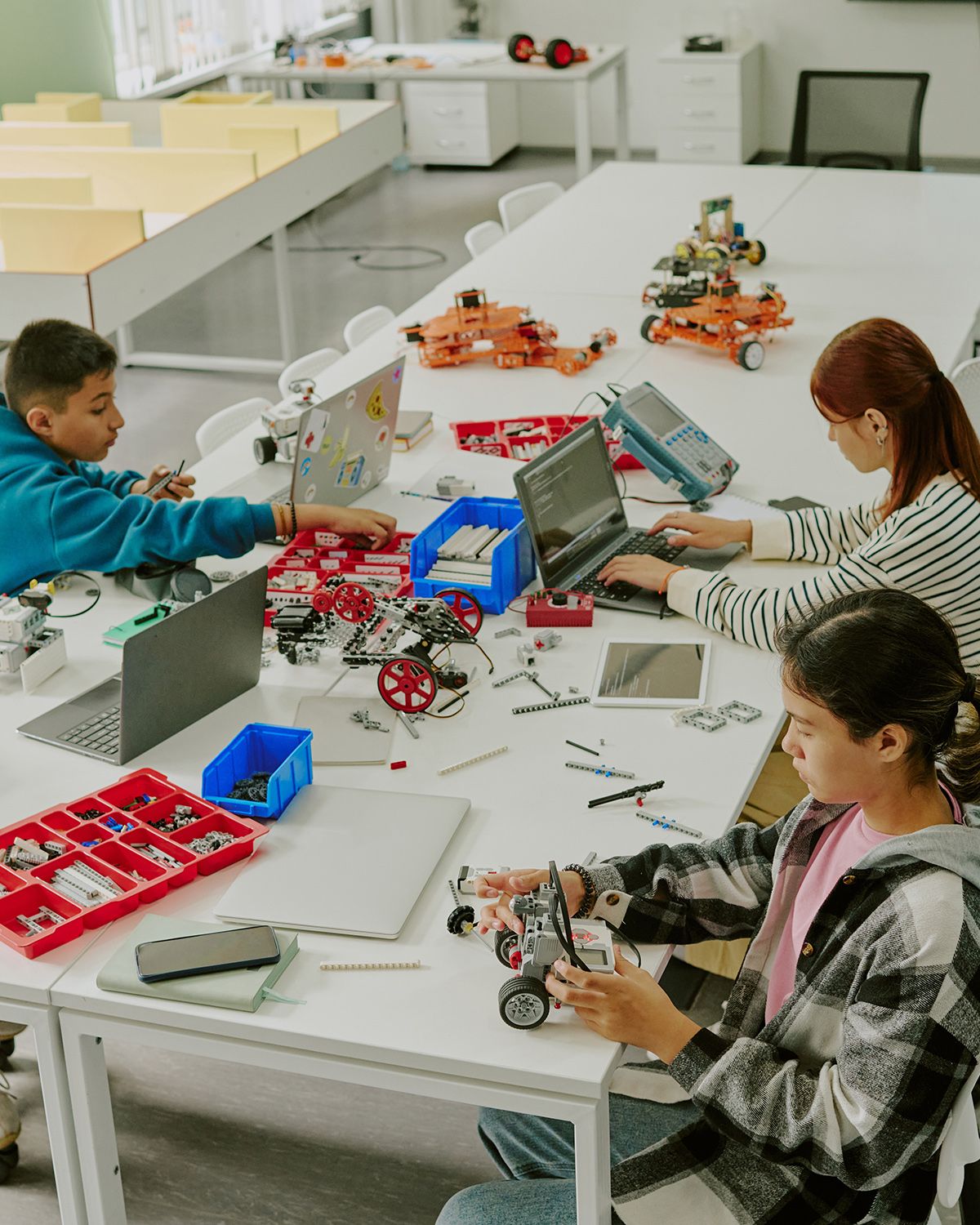
a full timetabled class of 24 students building at desks in a normal classroom, not a makerspace
The Bolt Method

We do the heavy lifting. You do the judging.

Assessing hands-on design work takes hours. The Bolt Method gathers and organises the evidence for you, and leaves every judgement with the teacher.

  1. Teach the methodClick-through lessons for the classroom board teach one design method at a time, from interviewing a user to testing with real numbers.
  2. Students apply it to their own projectA guided tool walks each student through the method and turns their own work into a tidy, checked PDF. No accounts, no logins.
  3. Review with the grading helperOpen a student's PDF and see plain observations beside it: what they gave, what is missing. Click the rubric bands that fit. One click per band.
  4. Report in minutesFeedback PDFs combine into a suggested level for each criterion, ready for you to adjust and copy into ManageBac, Toddle or your own system.

No software decides a grade. The tools observe and organise. The teacher decides, every time.
the grading helper on a laptop
a teacher grades a student's design work with the grading helper, start to finish
Ready to teach

Everything your school needs.

a class kit box opened flat lay: 15 material packs, workbooks and tools laid out neatly on a bright table

Student kits

Every tool and material in the box. No makerspace or special equipment, and many projects go home with the student.
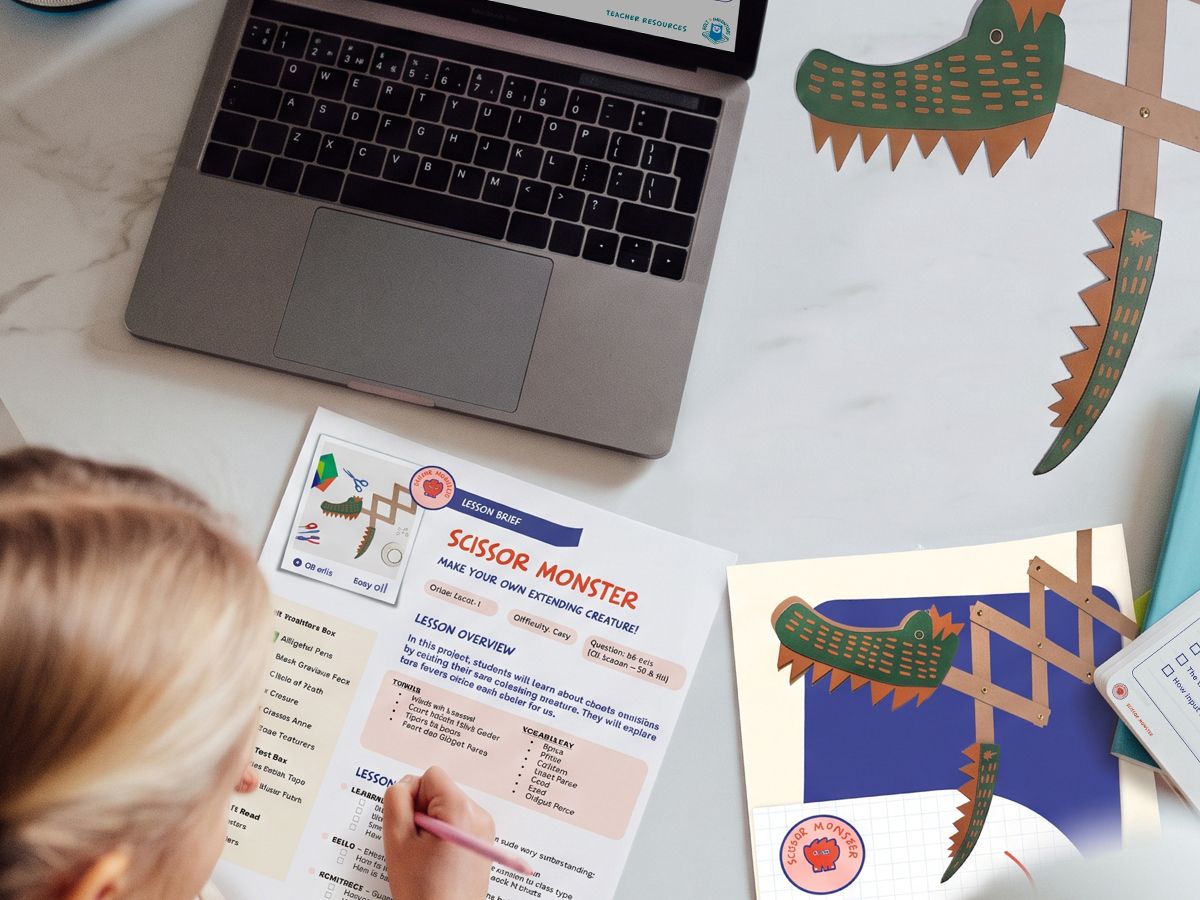
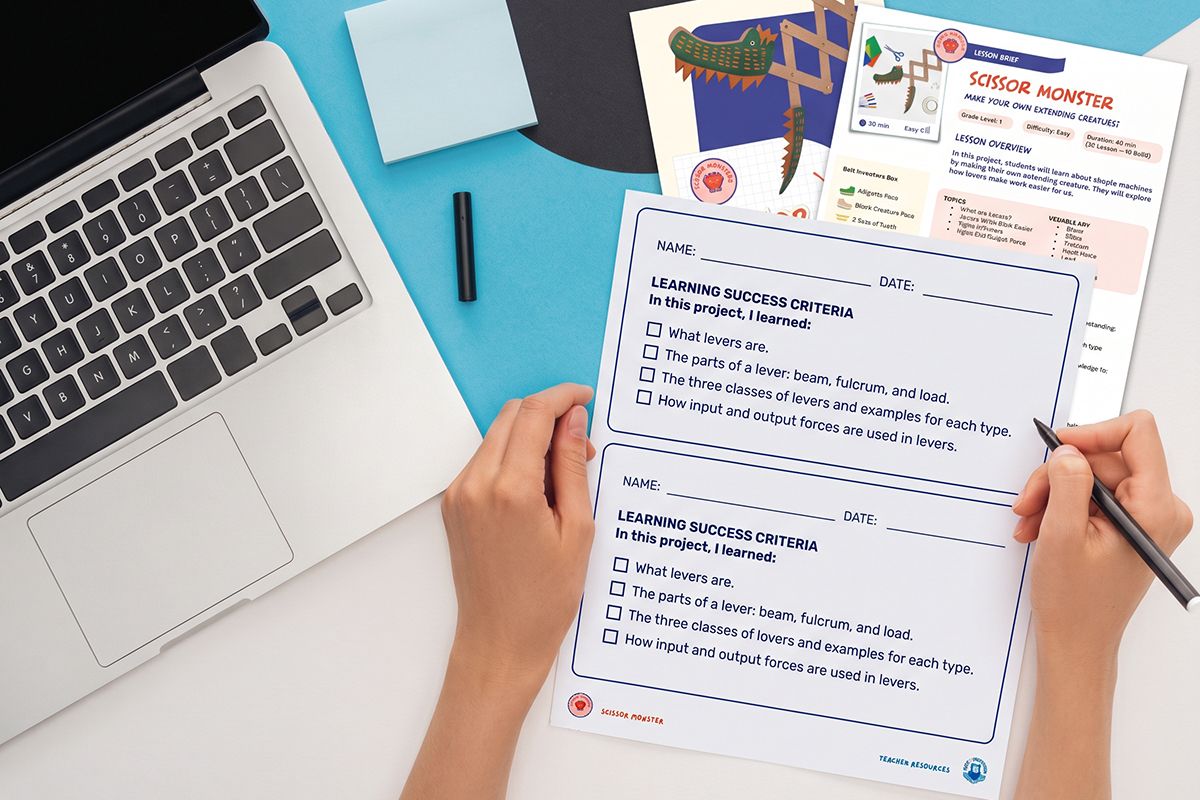
A student filling in a Scissor Monster lesson sheet beside a laptop

Full courses

Lesson plans, slides, workbooks, videos and answer keys, planned across the school year.
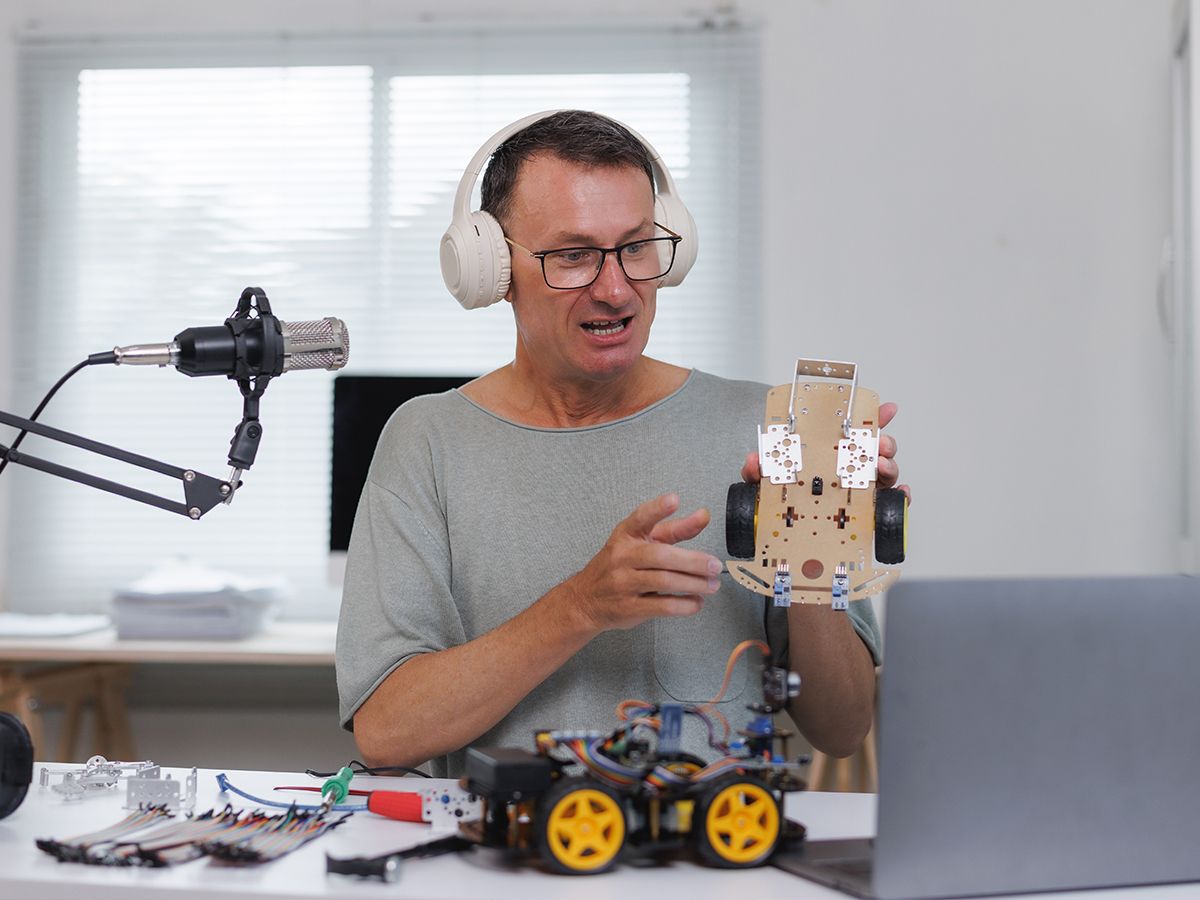
a teacher on a video call with a Bolt trainer, a kit open on the desk beside the laptop

Teacher training

Online onboarding in how to run each course and use its resources. You don't need to be an engineer to teach Bolt.

a Bolt team member visiting a classroom, helping a teacher and students mid-lesson

Ongoing support

Our education team stays with you after launch, from the first lesson to planning next year.

Trusted by international schools

Schools that build with Bolt.

a school showcase evening, students proudly demonstrating their inventions to parents and teachers at tables
Taipei American School
Concordia International School Shanghai
Wagor International School
Washington Bilingual School
"Our students are thinking like inventors, asking better questions, testing ideas, and believing they can build anything."
Grade 6 Teacher, Wagor International School, Taiwan
"Bolt Inventors made STEM fun, affordable, and achievable for every classroom."
Director, Taipei American School
About Bolt Inventors

Built by teachers. Made for classrooms.

Bolt Inventors is an education company based in Taiwan. We design and deliver hands-on STEM and Design & Technology courses for international and bilingual schools around the world, built from years of teaching and leading STEM programs in those schools.


the Bolt team together in their Taipei workshop, surrounded by kits, prototypes and boxes
Chris Walshe, head and shoulders, same light and background as Shaun's

Chris Walshe

Co-founder & CEO

Chris brings over a decade of experience developing and delivering STEM programs at leading international schools across Asia. He leads Bolt's school partnerships, training and support, giving schools the expertise and confidence to build programs that thrive for years to come.

Shaun Armstrong, head and shoulders, same light and background as Chris's

Shaun Armstrong

Co-founder & Head of Innovation

With over 15 years spent teaching and leading STEM in international schools, Shaun understands what works in the classroom. He leads the development of Bolt's courses, kits and tools, connecting school curricula with hands-on learning that teachers feel confident delivering.

Partner with us

Run Bolt in your region.

Bolt works with camp providers and education distributors who want proven hands-on programs without building their own.
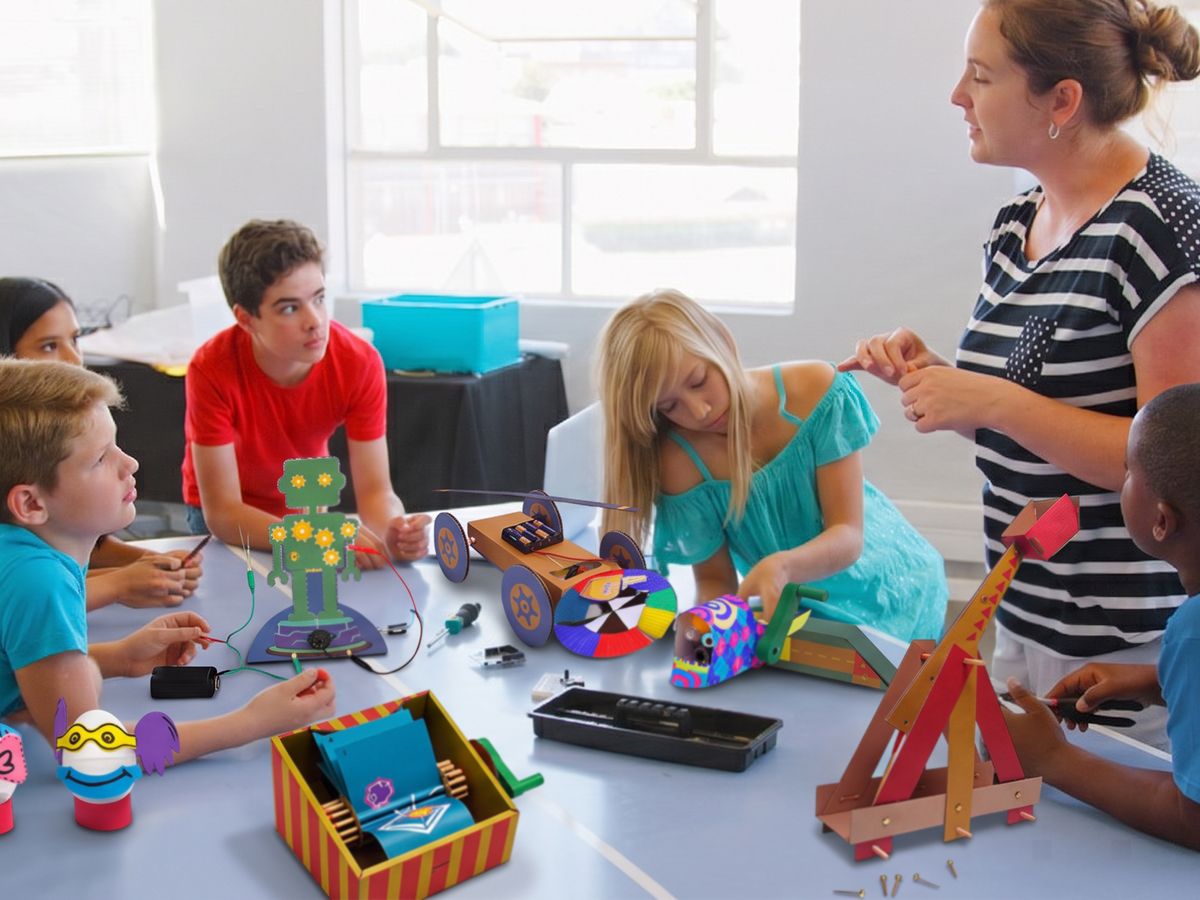
a holiday camp in full swing, children aged 8 to 12 building Bolt projects at tables, bright room

Camps

  • Week-long programs, full day or half day
  • Kits, lesson plans and staff training supplied
  • You deliver locally, under your own camp
Talk to us about camps
Educators working through course material together

Distributors and resellers

  • Bring Bolt courses to schools in your country
  • Demo materials and sales support
  • Courses mapped to the curricula your schools follow
Talk to us about distribution
Getting started

From first demo to first lesson.

1Book a demo

Tell us about your school, your curriculum and your timetable.

2Get a plan

We map the right courses to your year groups, hours and budget, with a quote your school can raise a purchase order from.

3Launch with support

Kits arrive, teachers are onboarded, and our team stays with you through the year.

Questions

Common questions.

Do our teachers need an engineering background?

No. Every course comes with full lesson plans, videos and online onboarding in how to run it. Bolt is built for the teachers schools already have.

Which curricula do you support?

Our courses are developed and mapped to the IB, Cambridge and NGSS frameworks. In a demo we show you exactly how a course fits your year groups and assessment.

Can Bolt run as core curriculum, not just a club?

Yes, that is what it is built for. Courses are planned across the school year in timetabled lessons. The same courses also run as electives, after-school programs and holiday camps.

Do we need a makerspace or special equipment?

No. Kits contain everything students need. The Upper level uses Chrome or Edge on a laptop or desktop.

Does the software grade students' work?

No. Our tools organise students' evidence and show teachers what is there and what is missing. Teachers choose the rubric bands and decide every grade.

Do students need accounts?

No. Students' design work is saved in their own PDF files, so there are no logins to manage.

How do we buy?

We handle quotes, purchase orders and institutional purchasing, and build a plan that fits your budget and rollout. Pricing is shared in your demo.

LowerAges 6 to 11

Lower

Origins

Real science through building. Children build, test and explain twenty hands-on inventions, and every one goes home with them.

A young student assembling an Origins cardboard project with a teacher
4levels to choose from
5themed challenges per level
2+ hrsof building per project
<10 minteacher prep per class
What everyone gets
For students

Build it, test it, keep it

  • Their own material pack and workbook for every challenge
  • Simple machines, circuits, air and water power, light and animation
  • Remix challenges to push each invention further
  • Workbook language activities that support English learners
For teachers

Open the box and teach

  • Less than 10 minutes of preparation per class
  • About 5 minutes of clean-up
  • Video instructions, lesson plans and answer keys
  • Online onboarding in running the course
For the school

Science you can see

  • Mapped to NGSS, Cambridge Primary Science and England's Design & Technology for ages 5 to 11
  • Designed for classes of 15 to 30
  • Projects go home, so families see the learning
  • No makerspace or special tools needed
Inside every challenge

Materials, Workbooks & Digital Resources

Each student gets their own pre-cut material pack and a workbook with build steps, the science behind the project, a troubleshooting page and remix ideas. Nothing to gather, nothing to cut.
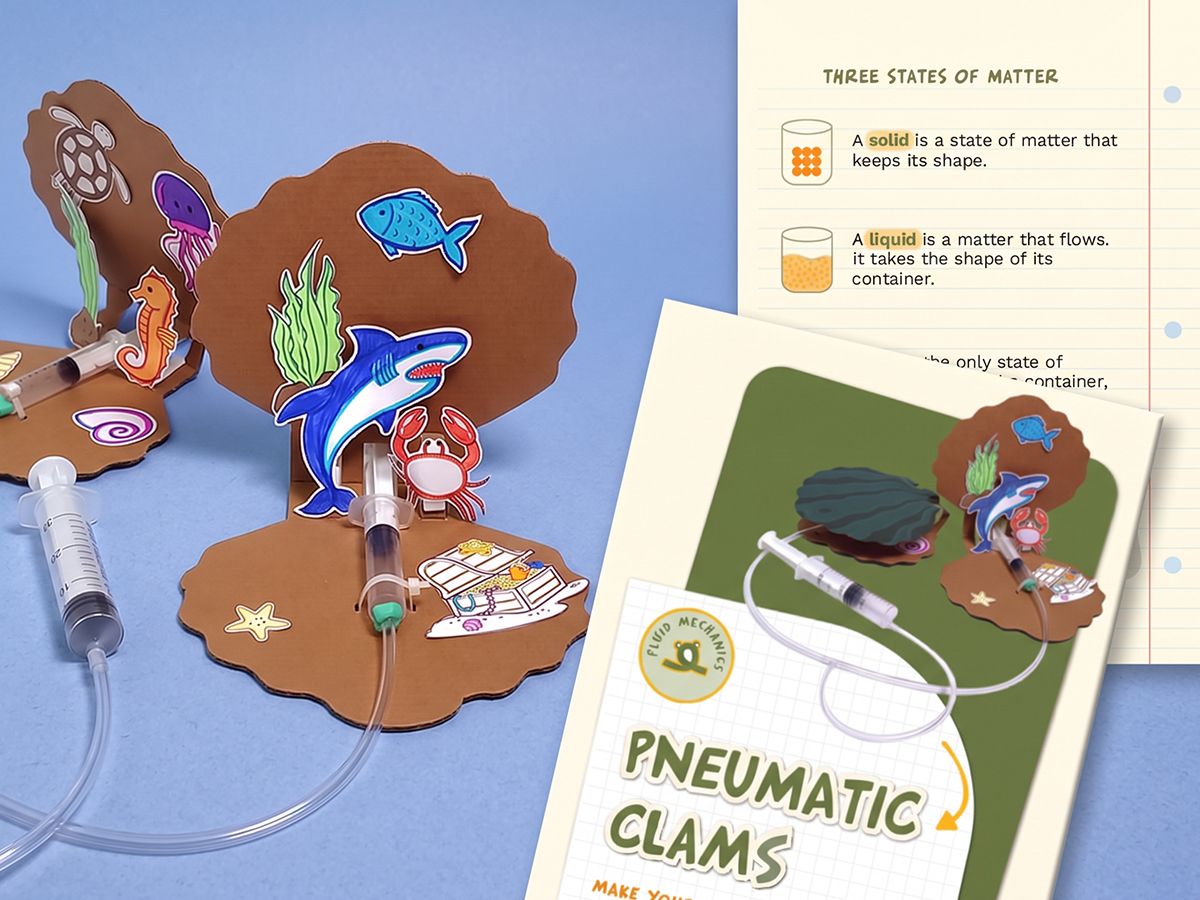
one Origins material pack opened next to its workbook spread, parts laid out in order, top-down, bright
The twenty projects

What they build.

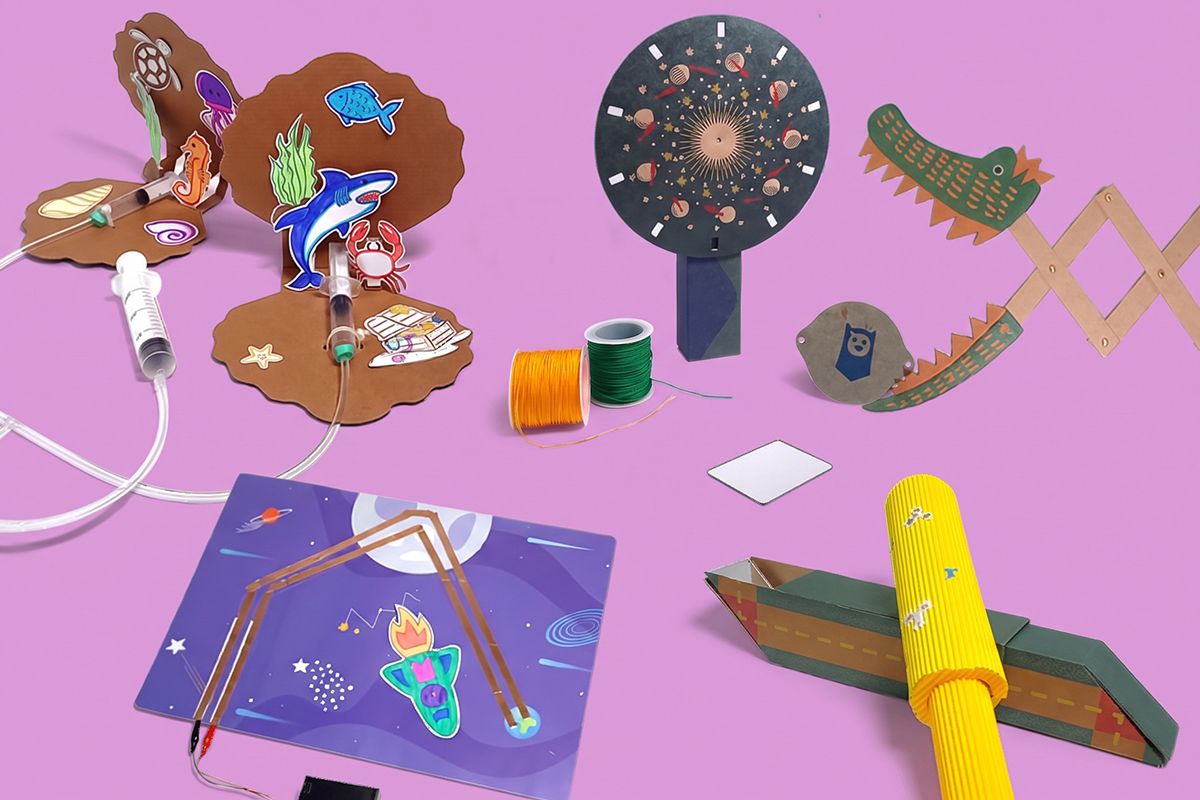
Each level has five themed challenges. Every kit holds fifteen material packs and fifteen workbooks.
Level 1

the five finished Level 1 projects lined up on a bright background: Scissor Monster, Rocket Circuit, Pneumatic Clam, Animation Illusions, Telescope
  • Scissor Monster, an extending creature
  • Rocket Circuit, a light-up spaceship
  • Pneumatic Clam, chomping clams
  • Animation Illusions, a thaumatrope and phenakistoscope
  • Telescope and Periscope, spying devices

Level 2

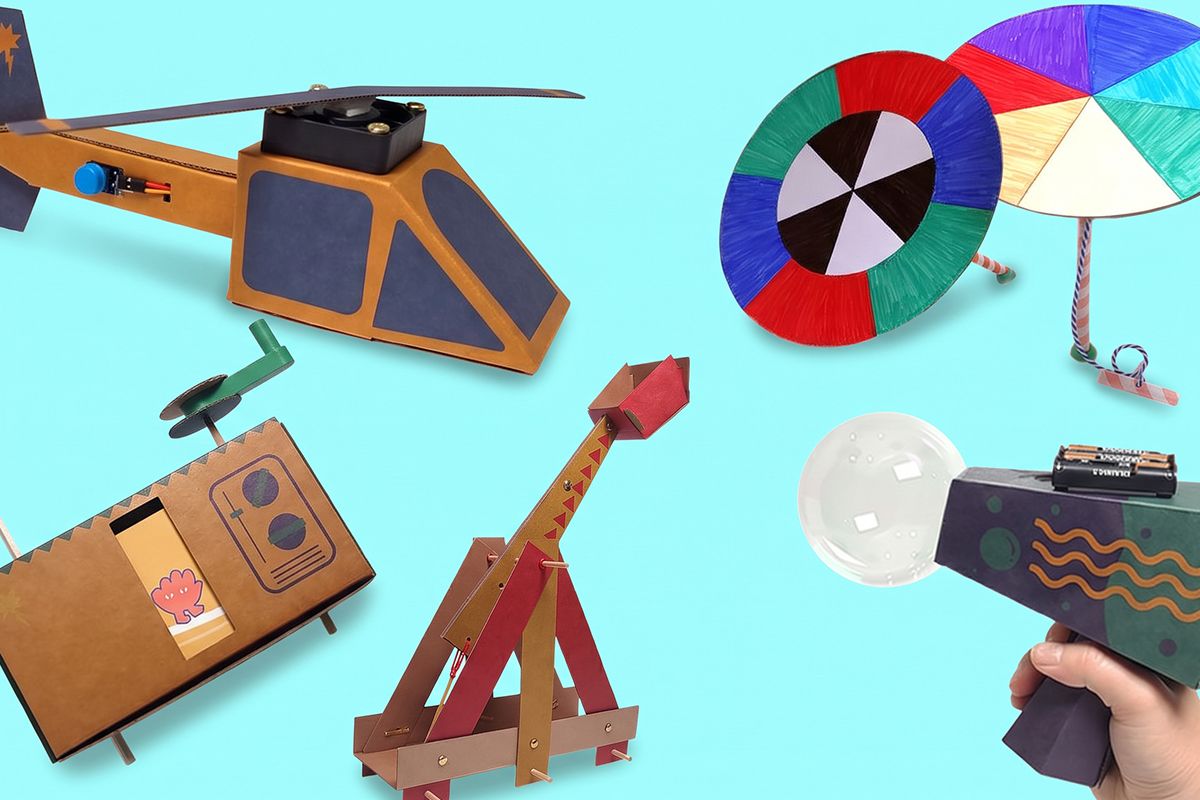
the five finished Level 2 projects lined up on a bright background: Catapult, Helicopter, Bubble Bot, Animation TV, Rainbow Roller
  • Catapult, a launcher
  • Helicopter, spinning blades
  • Bubble Bot, a bubble blower
  • Animation TV, a cartoon
  • Rainbow Roller, a colour spinner

Level 3

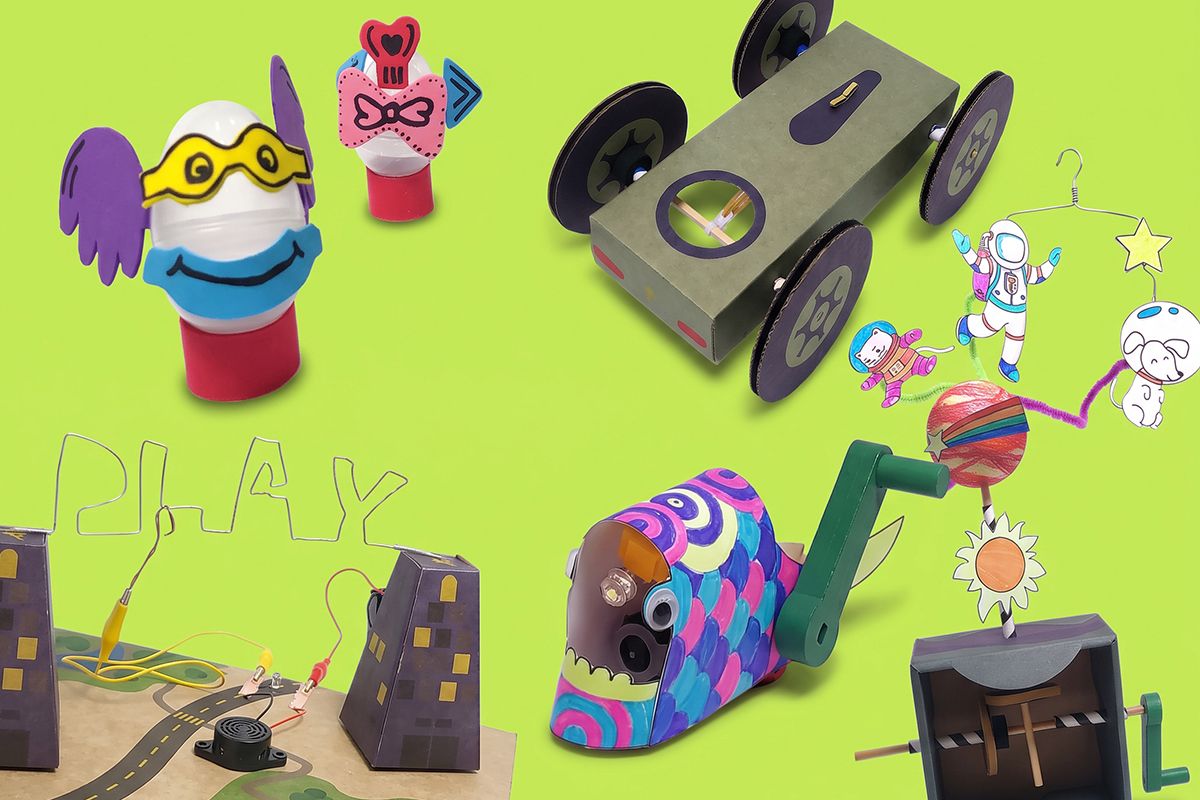
the five finished Level 3 projects lined up on a bright background: Exploding Egg, Cranky Fish, Buzz Wire, Automaton, Rubber Band Speeder
  • Exploding Egg, an "eggs-plosive" creation
  • Cranky Fish, a crank flashlight
  • Buzz Wire, a steady-hand game
  • Automaton, a rotating planet
  • Rubber Band Speeder, a racer

Level 4

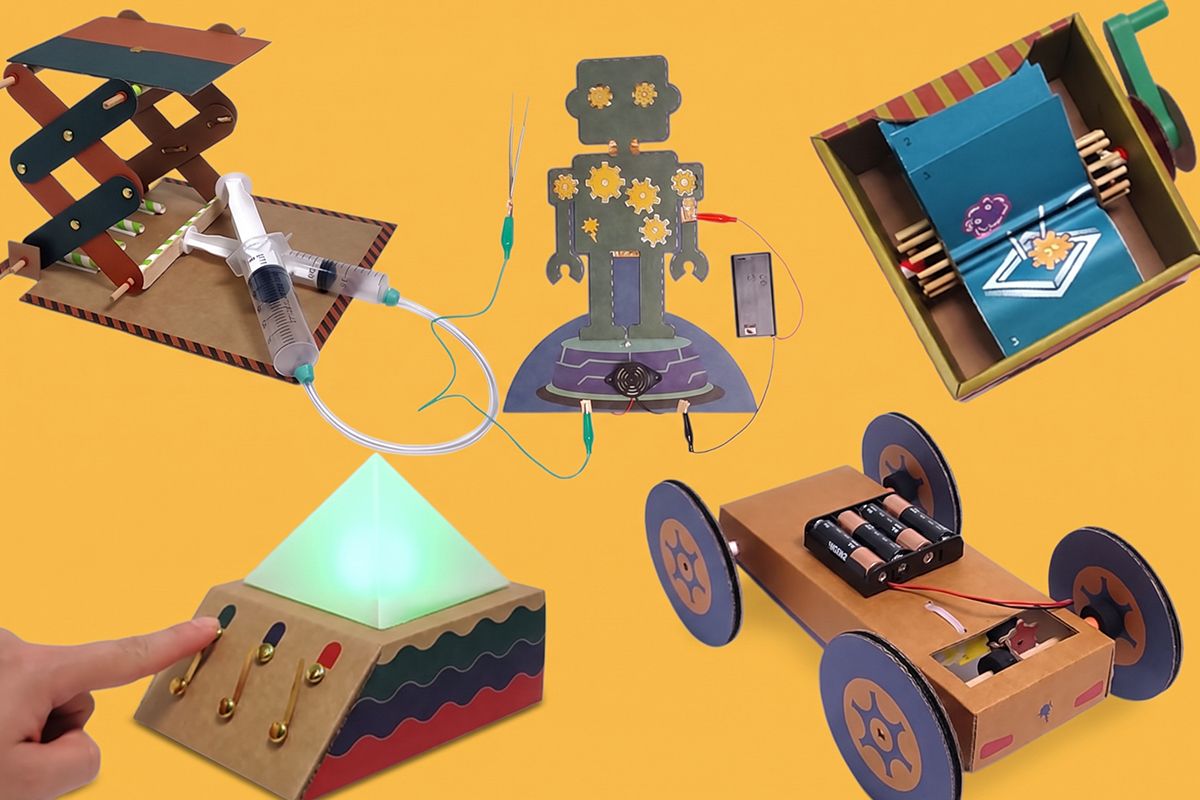
the five finished Level 4 projects lined up on a bright background: Scissor Lift, LED Lantern, Buzz Bot, Roller Flip Book, Motor Speeder
  • Scissor Lift, fluid powered
  • LED Lantern, colour mixing light
  • Buzz Bot, a robot surgery game
  • Roller Flip Book, an animation
  • Motor Speeder, a gear-changing car
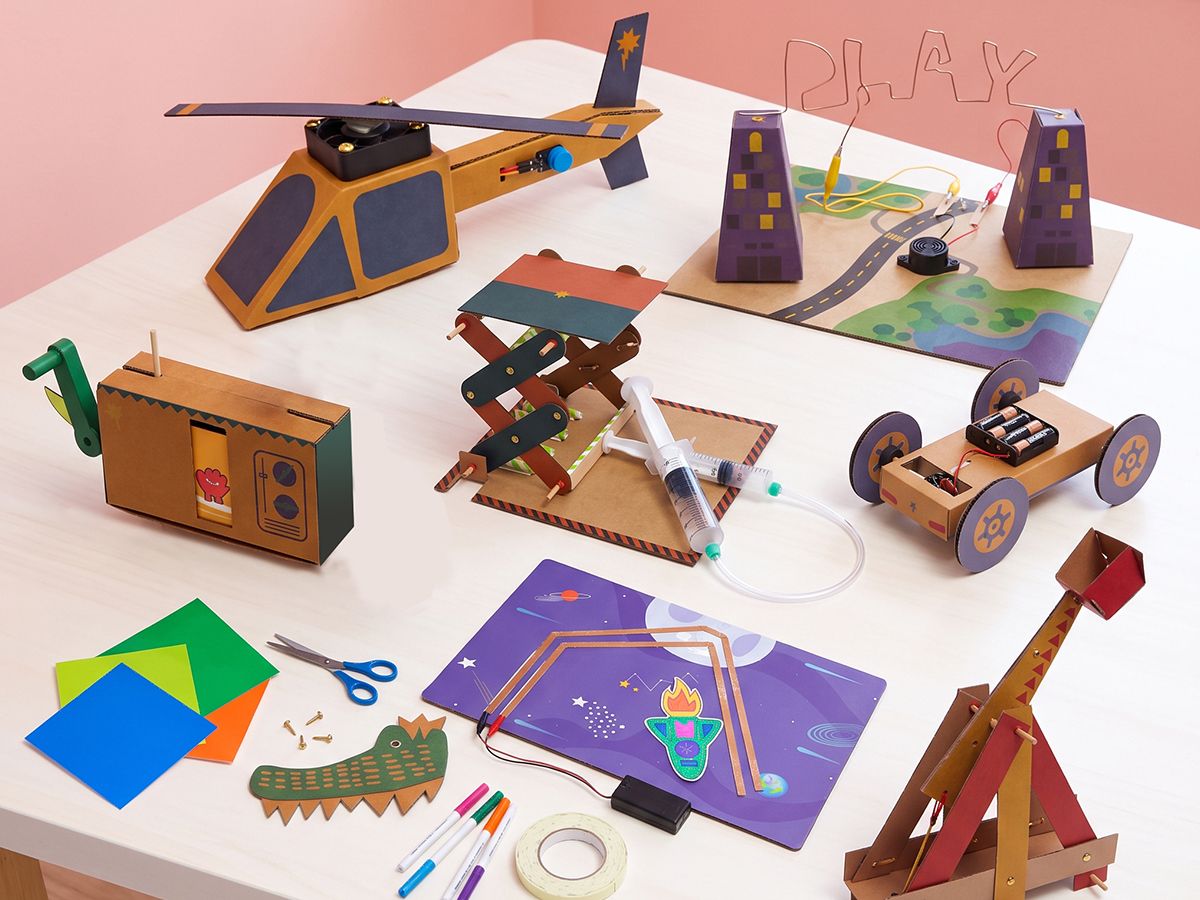
a table of finished Origins projects from all four levels, bright, top-down, colourful
How it runs

Fits your timetable.

Semester course

15 weeks · 1 hour a week

Five projects, about three weeks each.

After-school program

10 to 15 weeks

One project every two weeks, two to three one-hour sessions each.

Holiday camp

5 to 10 days

One project a day, in a 2.5 hour session.

MiddleAges 12 to 14

Middle

Bolt Across the Multiverse

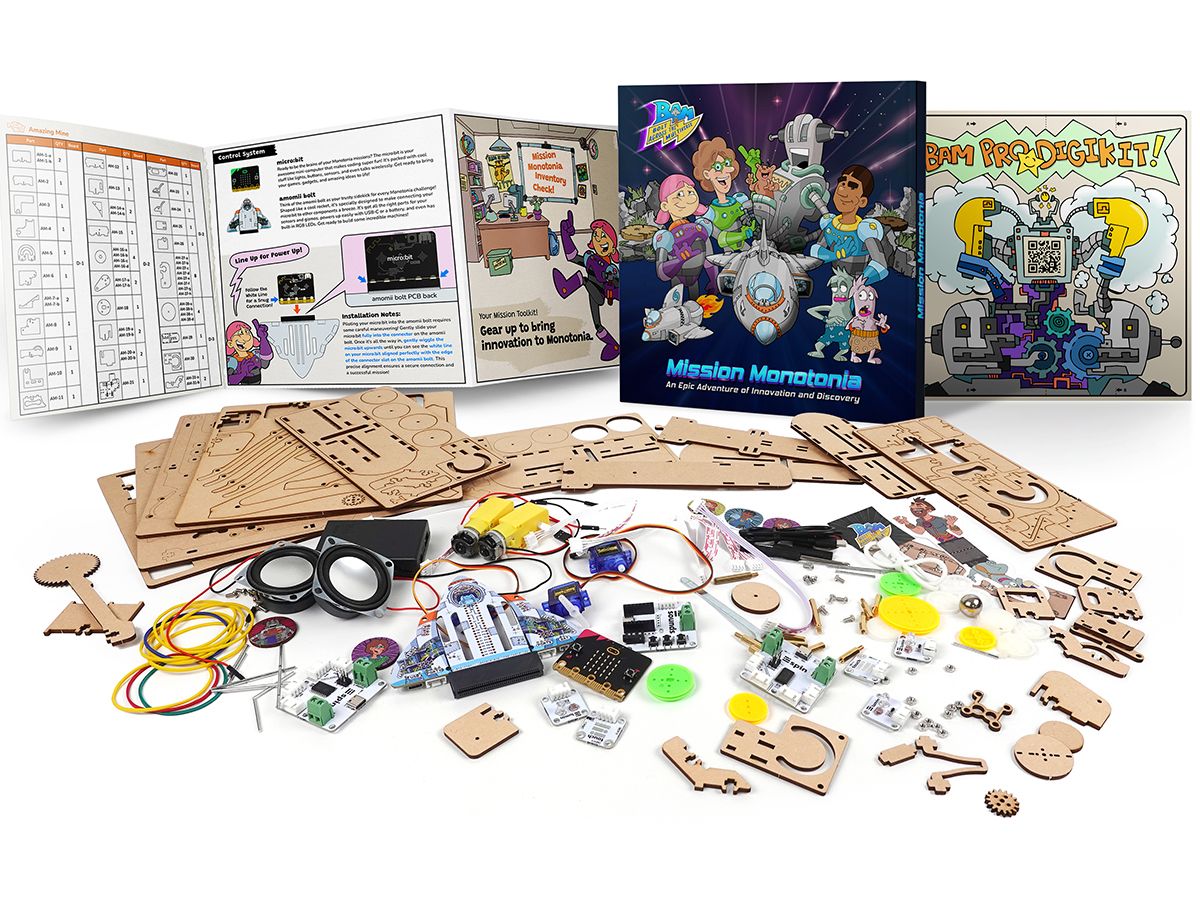
A two-year design course with a story students want to finish. They build real machines on another planet, then come back to Earth and design for real people.

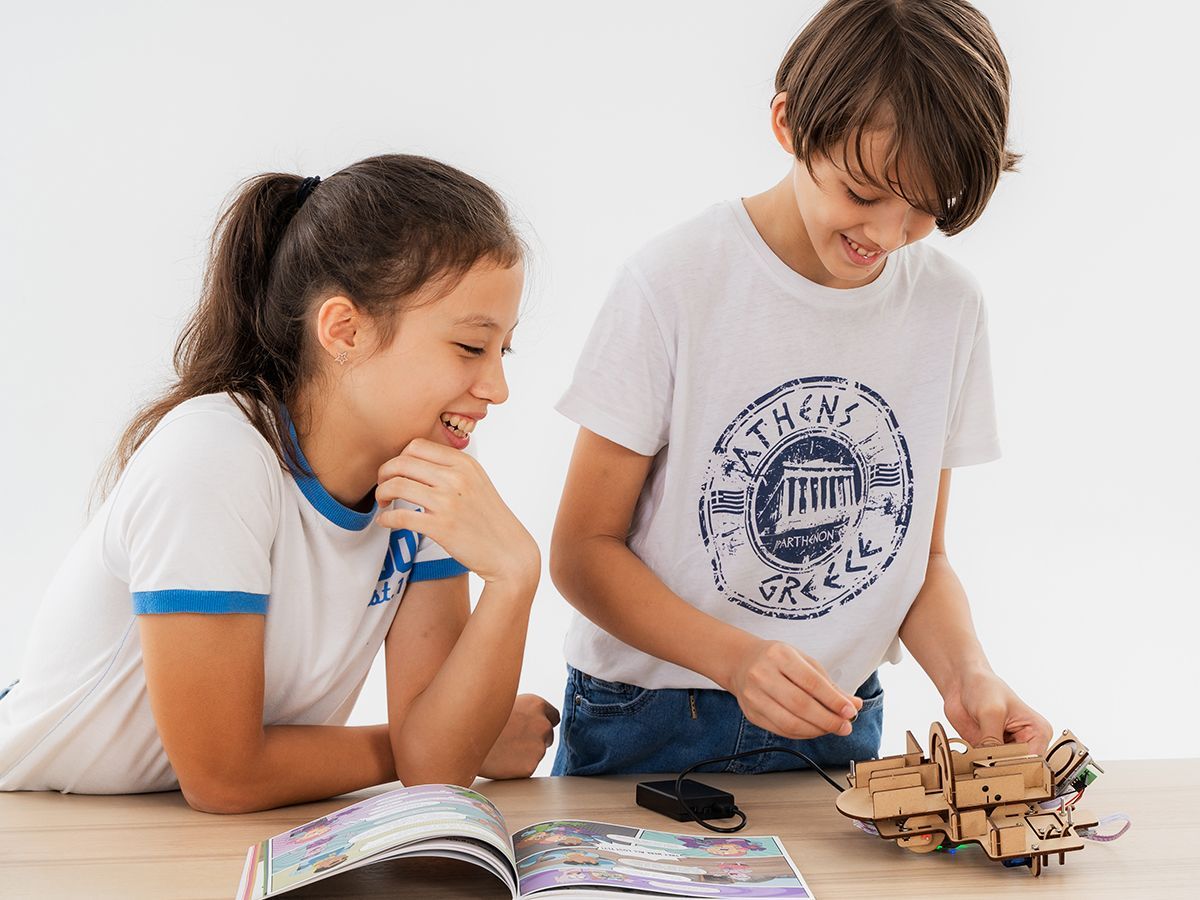
Two students laughing as they test their Mission Monotonia build beside the course book
2 yearsMYP 1 and 2
50 hrsplanned each year
20design methods, 5 per criterion
A to Deach criterion assessed twice a year
Mission Monotonia

Four machines that teach the skills.

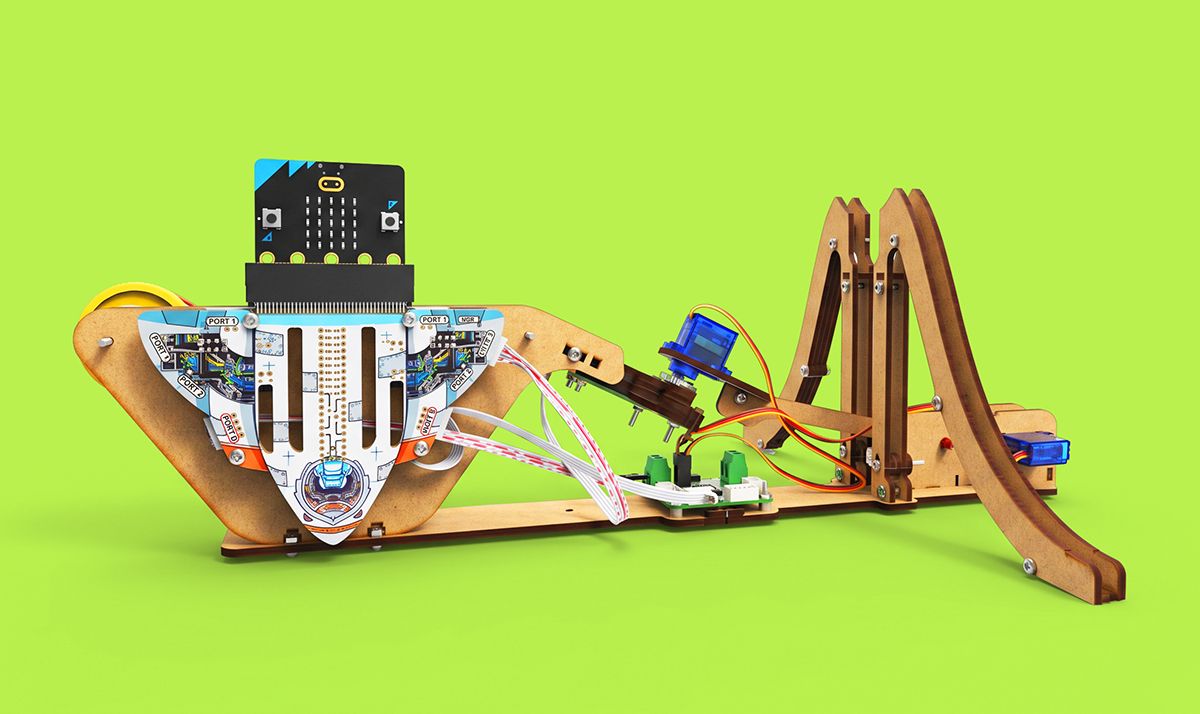
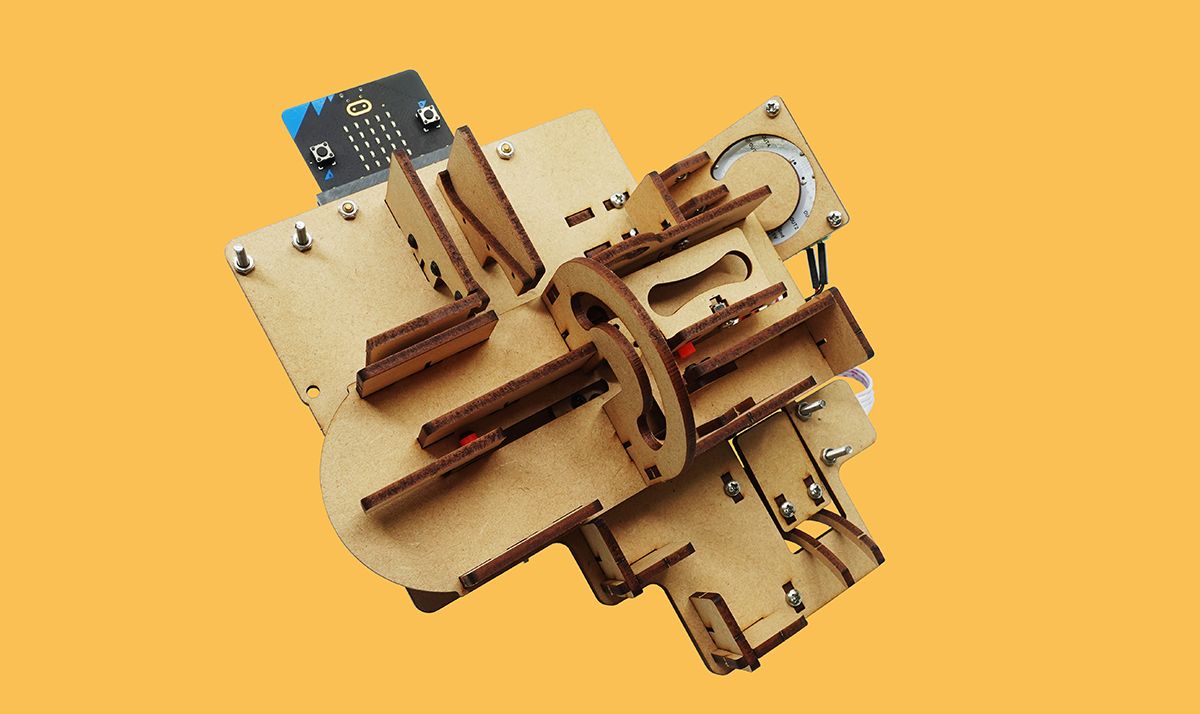
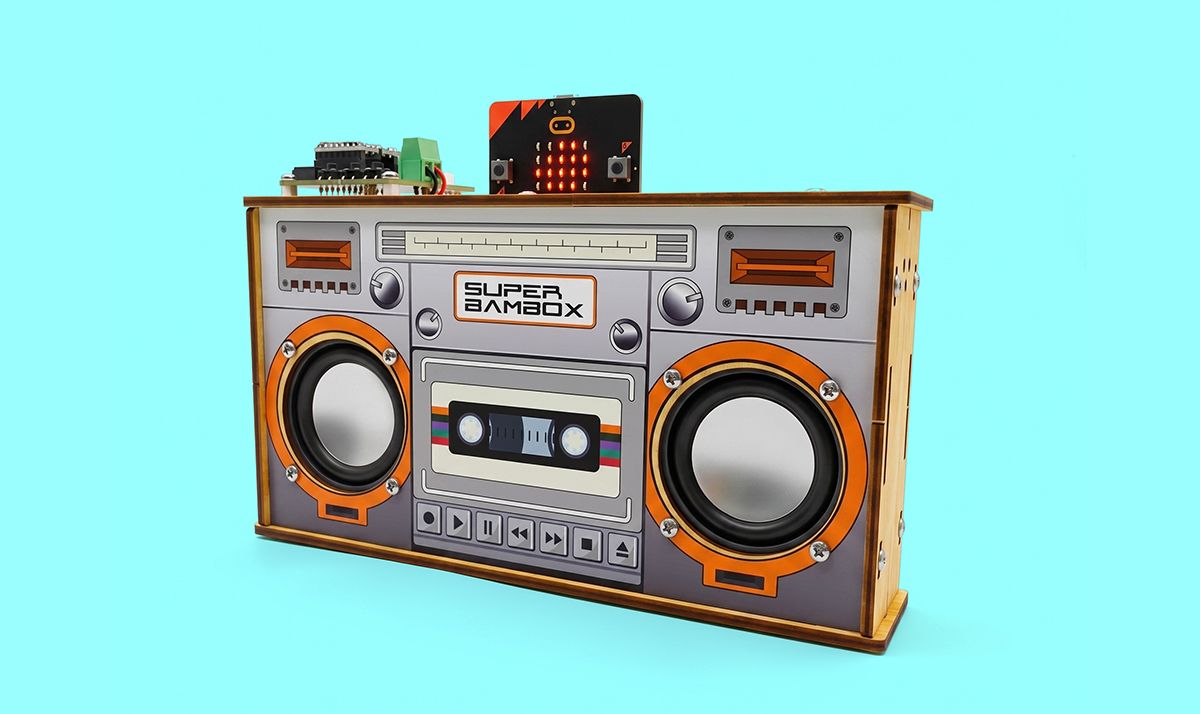
Team Bolt travel to Monotonia, a planet that has forgotten how to have fun. Each unit's build teaches real components, code and design principles on the Bolt Board, our micro:bit expansion board.
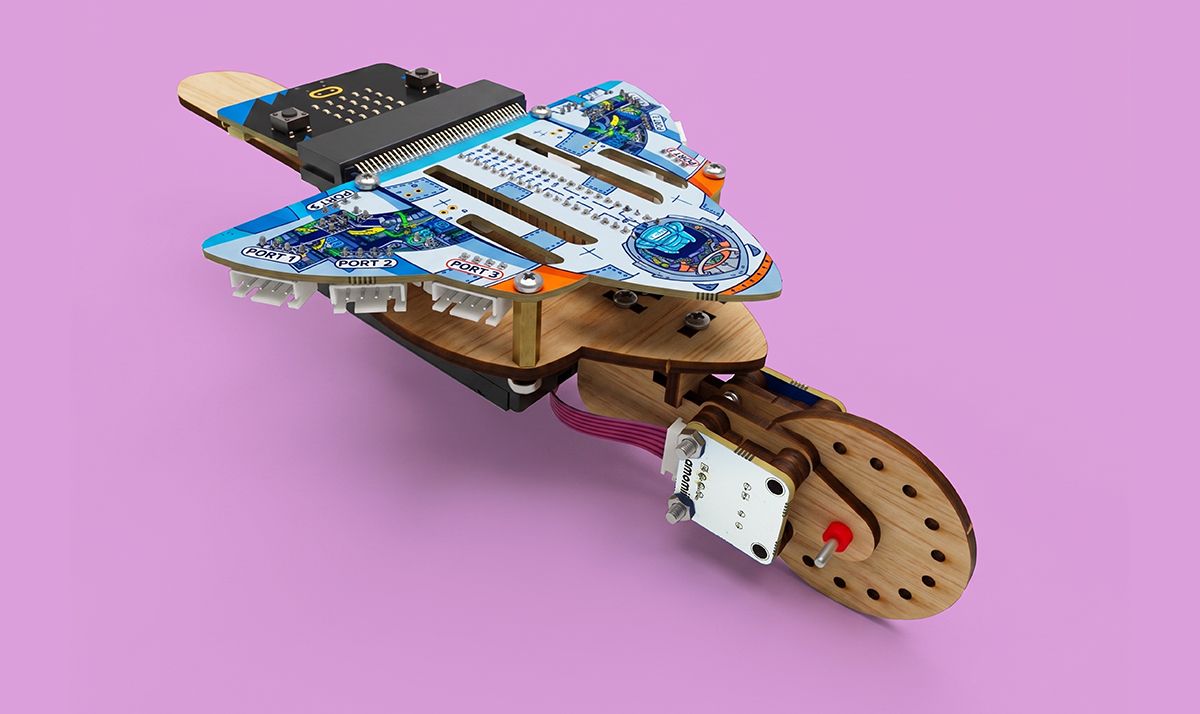
the finished Space Finder trundle wheel, real build, three-quarter view on a bright background
Unit 1Space FinderA digital trundle wheel that measures distance with light.
the finished BAMbox boombox, lights on, real build, bright background
Unit 2BAMboxA boombox that syncs light and sound.
the finished Rock 'n' Roller conveyor and sorting arm, a rock mid-sort, bright background
Unit 3Rock 'n' RollerA sensor-driven conveyor that sorts rocks.
the finished Amazing Mine, the two-floor maze build, same style and background as the other three
Unit 4Amazing MineAn interactive maze game with moving parts.

Back to
Earth.

Monotonia teaches. Earth is where it counts. After the builds, students take on design challenges for real people back home. Part of a solution might reuse a sensor they learned; most of it is their own idea, using recycled or regular classroom materials.

These real-user projects carry the assessment, so students' best design work is what gets graded.

a student testing their prototype with a real user (a younger child or a grandparent), notebook open, both laughing
Designed to support IB MYP Design

Five methods for every criterion.

Each method comes with a lesson for the classroom board, a lesson students click through themselves, a tool that turns their work into evidence, and grading support for the teacher.

A
Inquiring and analysing
  • Who is it for?
  • Plan your research
  • Interview a user
  • Watch your user
  • Take apart a product
B
Developing ideas
  • Success criteria
  • Many ideas fast
  • Quick models
  • Scoring matrix
  • Planning drawing
C
Creating the solution
  • Make a plan
  • Flowchart your code
  • Build and test as you go
  • Change log
  • Label your prototype
D
Evaluating
  • Test it with numbers
  • User trial
  • Ask your user
  • Peer review
  • Plan the next version
a student's method tool PDF, their own test plan, results table and chart, laid out as a clean report page
Students' own evidence

Every method ends in a report.

Students do the method on their own project and the tool turns their work into a checked, tidy PDF. Across the year those PDFs become a full design portfolio, sorted by criterion.
What everyone gets
the Mission Monotonia kit opened flat lay: the Bolt Board, micro:bit, light, sound, motor and touch modules, the printed story book
For students

A story worth finishing

  • A kit, a printed story book and online videos and code
  • Four guided builds and ten open missions
  • Method tools that turn their own work into a portfolio PDF
  • No accounts or logins
For teachers

Less marking, better feedback

  • Method lessons ready for the board, with teacher notes
  • Grading guides and a grading helper for every method
  • A quick quiz per method with a class results table
  • Suggested project grades you adjust and confirm
For the school

A real Design course

  • Designed to support IB MYP Design, years 1 and 2
  • Mapped to NGSS middle school engineering design and Cambridge Lower Secondary
  • One kit carries students through two years
  • Interdisciplinary links to maths and science
See a method lesson

Test it with numbers.

In our sample lesson, Team Bolt argue about whether their Space Finder is accurate. Students learn to settle it with a fair test and a pass range, then run the same test on their own prototype and save the result as a report.


the "Test it with numbers" lesson on a classroom board, Team Bolt and the results chart visible, students in front
UpperAges 15 to 18

Upper

28 Days and Testudo

Future-ready, not AI-reliant. Students write real C++, wire real circuits and solder real boards, then learn to direct AI as a tool they command.
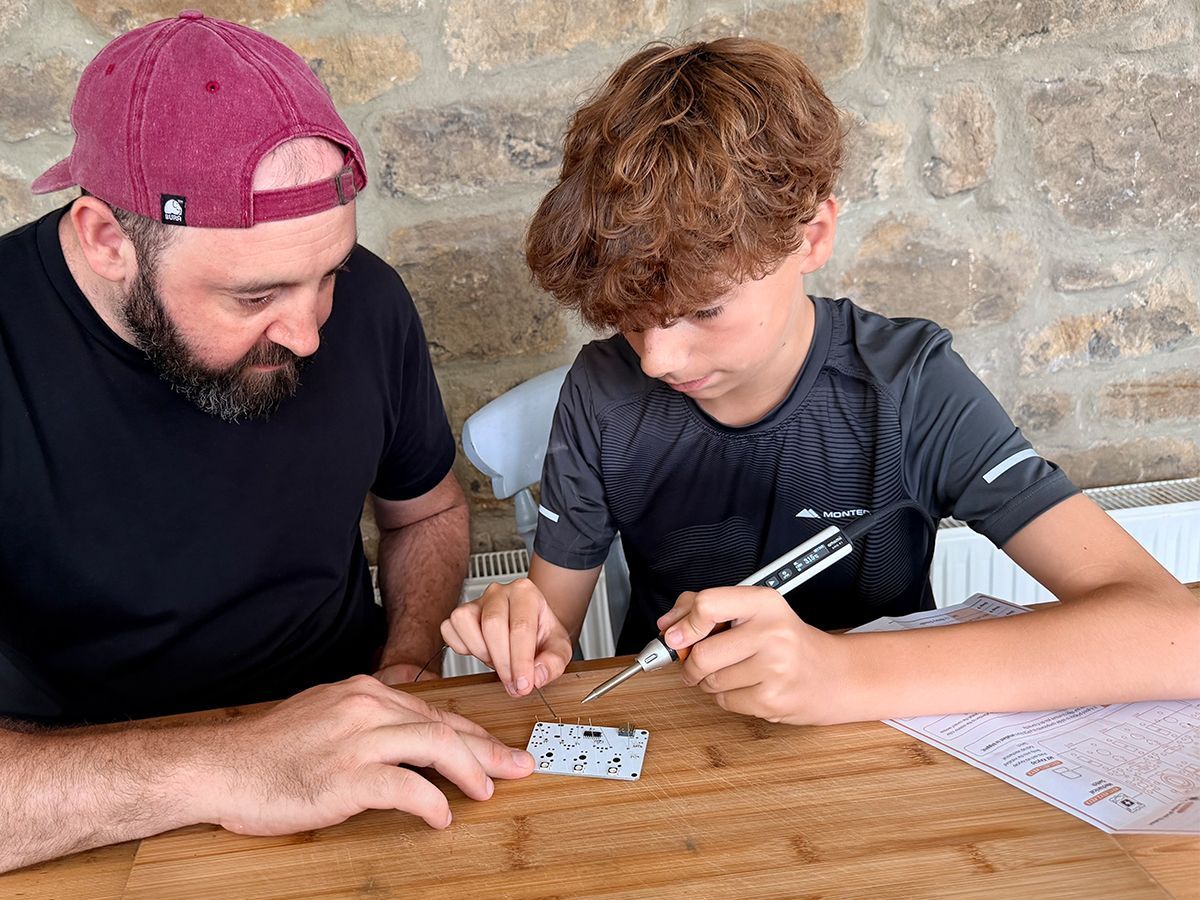
Upper school students working with 28 Days hardware
A 28 Days lesson on a laptop screen
28 Days: Dawn of the Distracted

The board checks the real work.

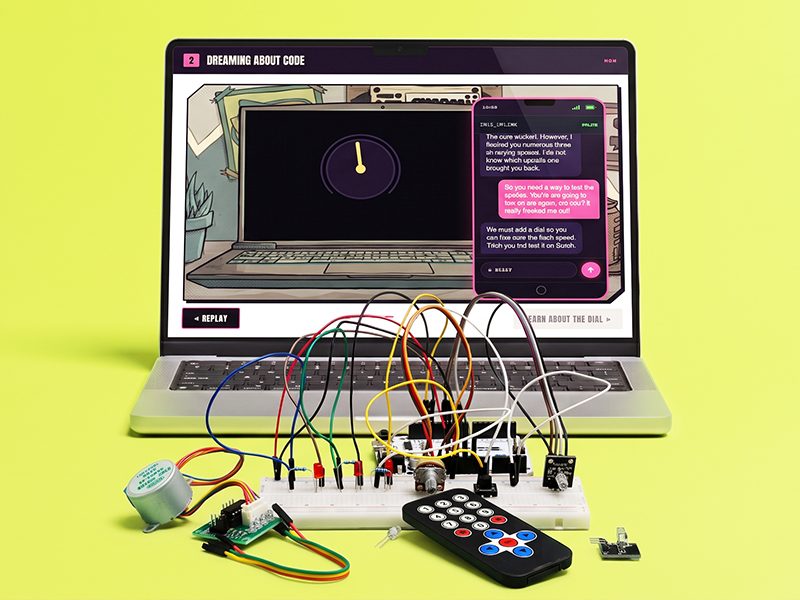
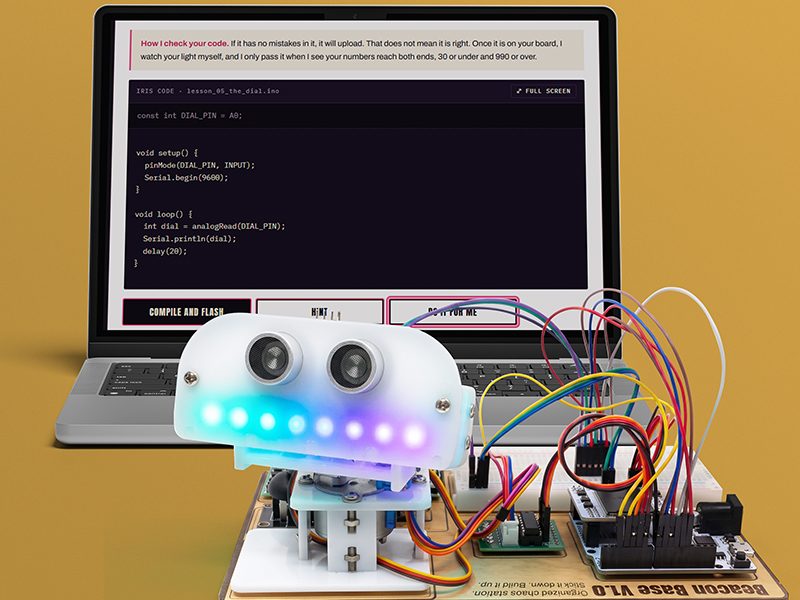
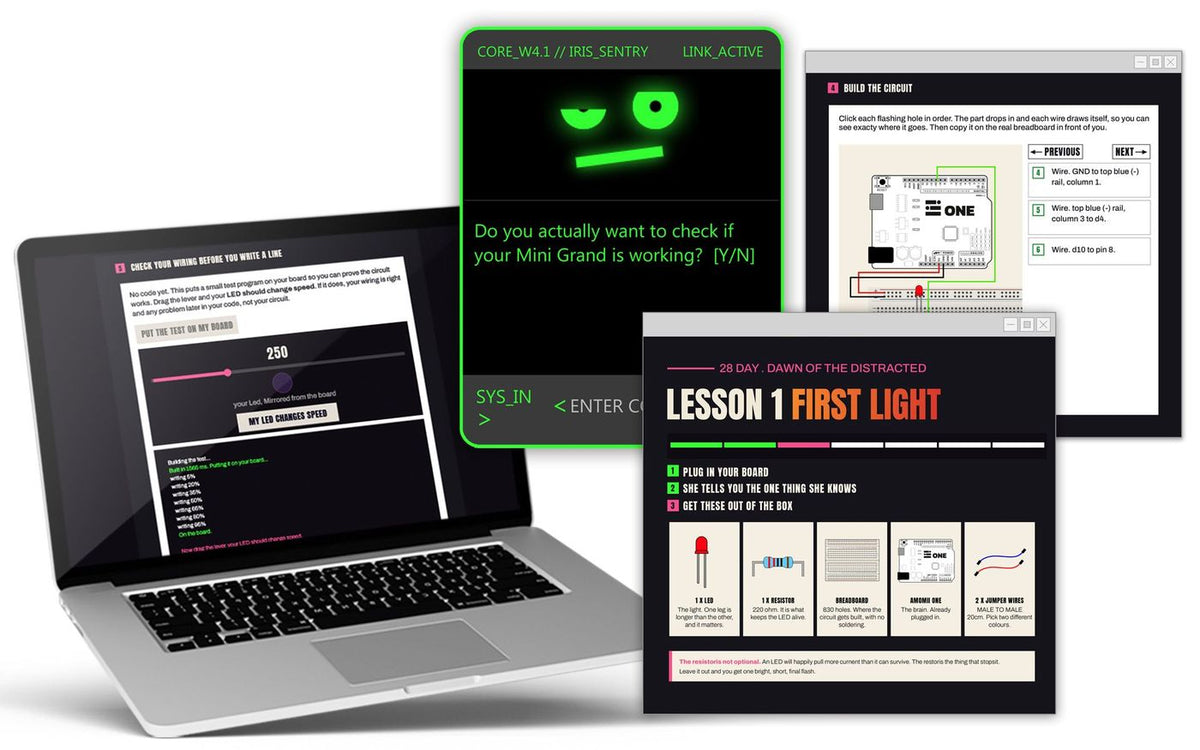
An Arduino course that plays like a story. Students build one machine, the Beacon, and upgrade it lesson by lesson. A hidden test on the board measures what their circuit actually does, so wiring is checked before any code is blamed.
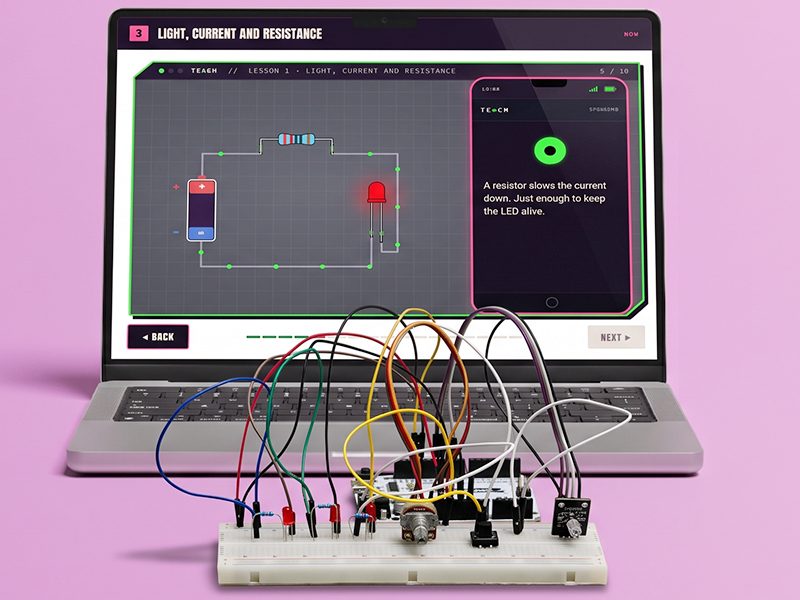
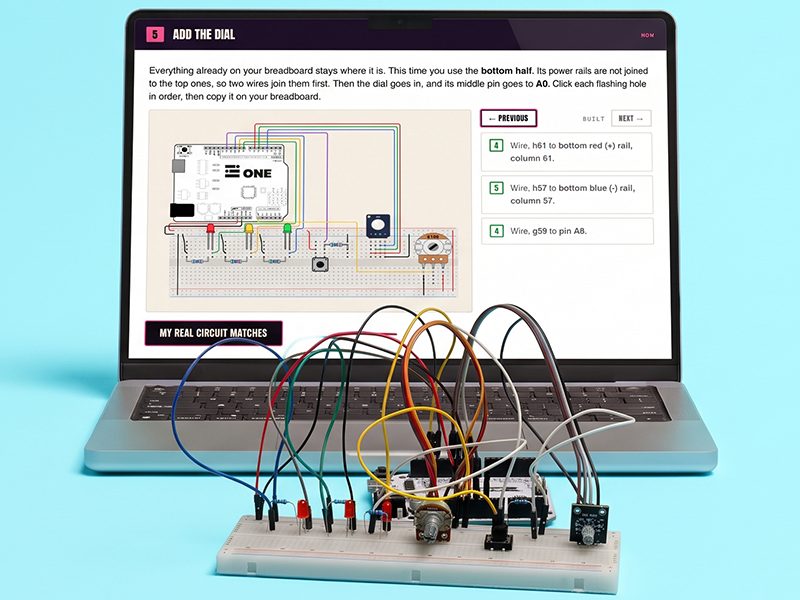
  • 28 lessons in four blocks
  • Real C++, compiled in the cloud, flashed from Chrome or Edge
  • Nothing to install, no student logins
  • Each student's progress is saved on their own board
  • No soldering needed
Lessons 1 to 7Sparks
A 28 Days lesson on a laptop beside a student's breadboard build
Lessons 8 to 14Signals
A 28 Days wiring step on a laptop beside the breadboard it describes
Lessons 15 to 21Motion
A 28 Days story scene with IRIS on a laptop beside a student's build
Lessons 22 to 28Systems
IRIS's code on a laptop behind the finished Beacon robot, lit up

Actual
intelligence.

The story is about AI. IRIS, the course's AI guide, is brilliant, certain, and wrong at the worst moment. The machine students built with their own hands never lets them down.

Students leave knowing how the technology works, so AI becomes a tool they direct, not a crutch they lean on.
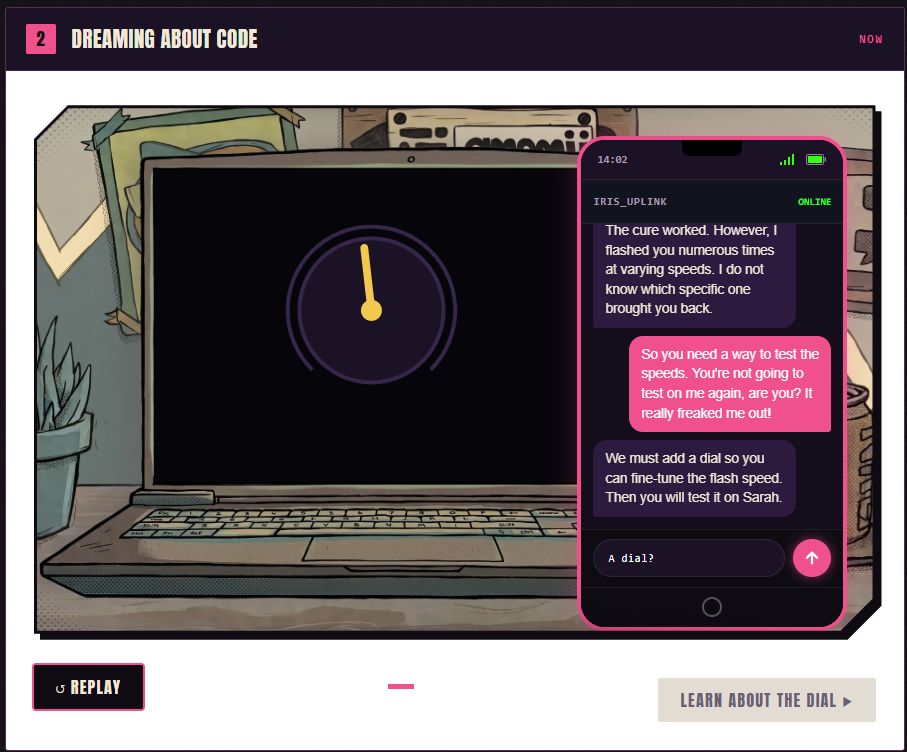
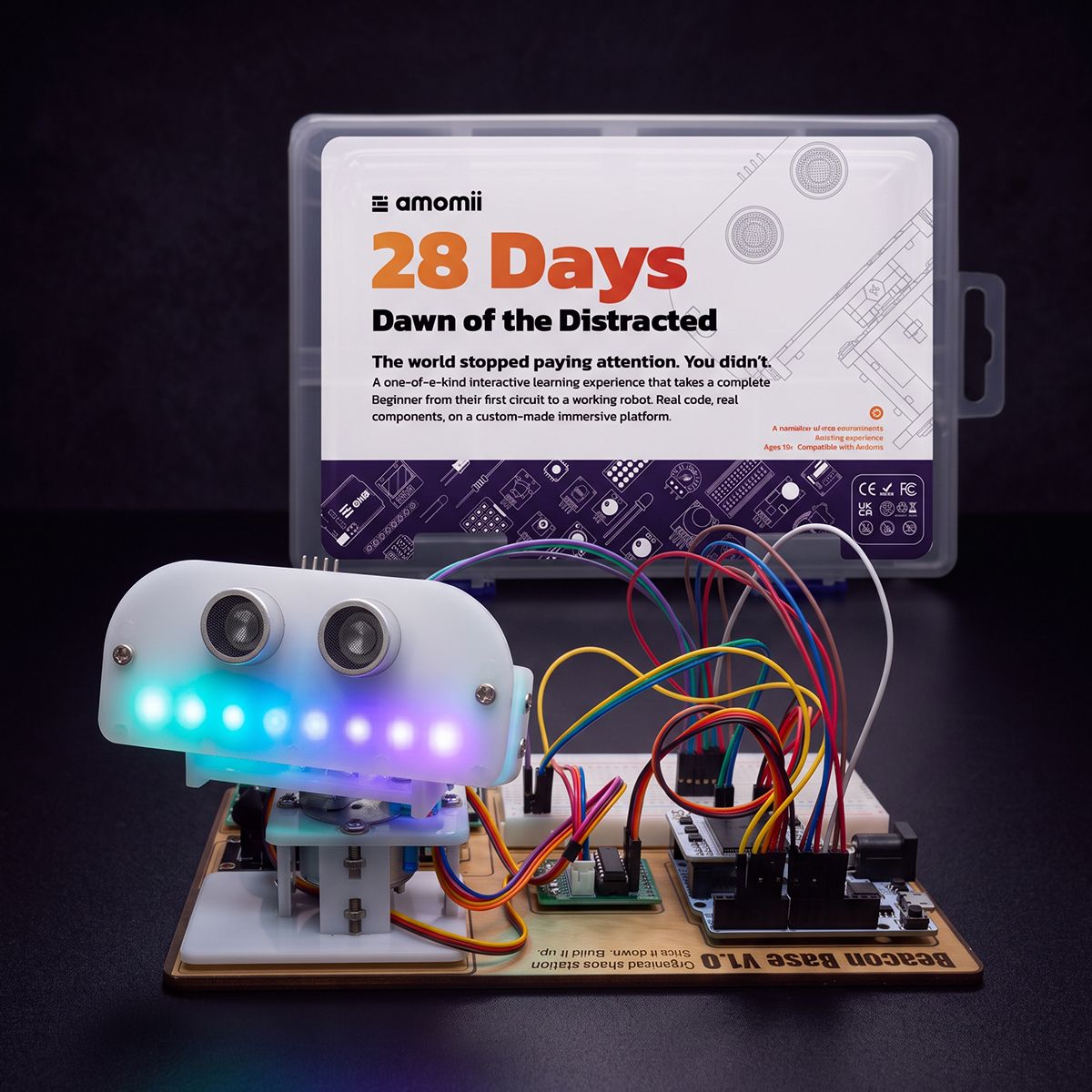
IRIS, the course's AI character, from the 28 Days story, on a lesson screen
The kits

From breadboard to soldered boards.

the 28 Days kit, box open, amomii ONE, breadboard and components laid out, bright background
Breadboard · no soldering

28 Days

The amomii ONE board, an 830-point breadboard, sensors, lights, motors and a display, for all 28 lessons.
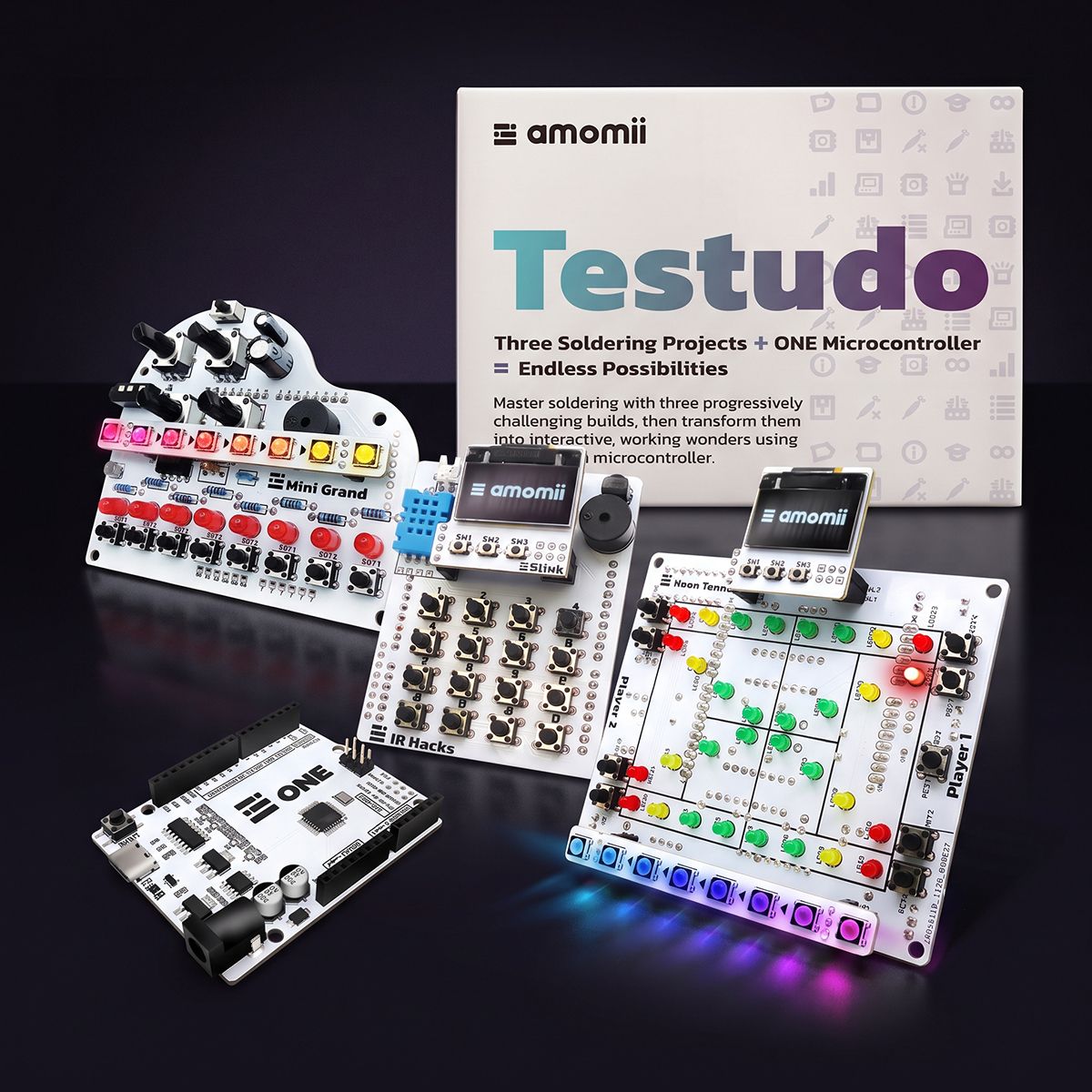
the three soldered Testudo boards (Neon Tennis, Mini Grand, IR Hacks) lit up, bright background
Soldering · three builds

Testudo

Students solder their own boards and build Neon Tennis, Mini Grand and IR Hacks: game logic, sound and remote control.
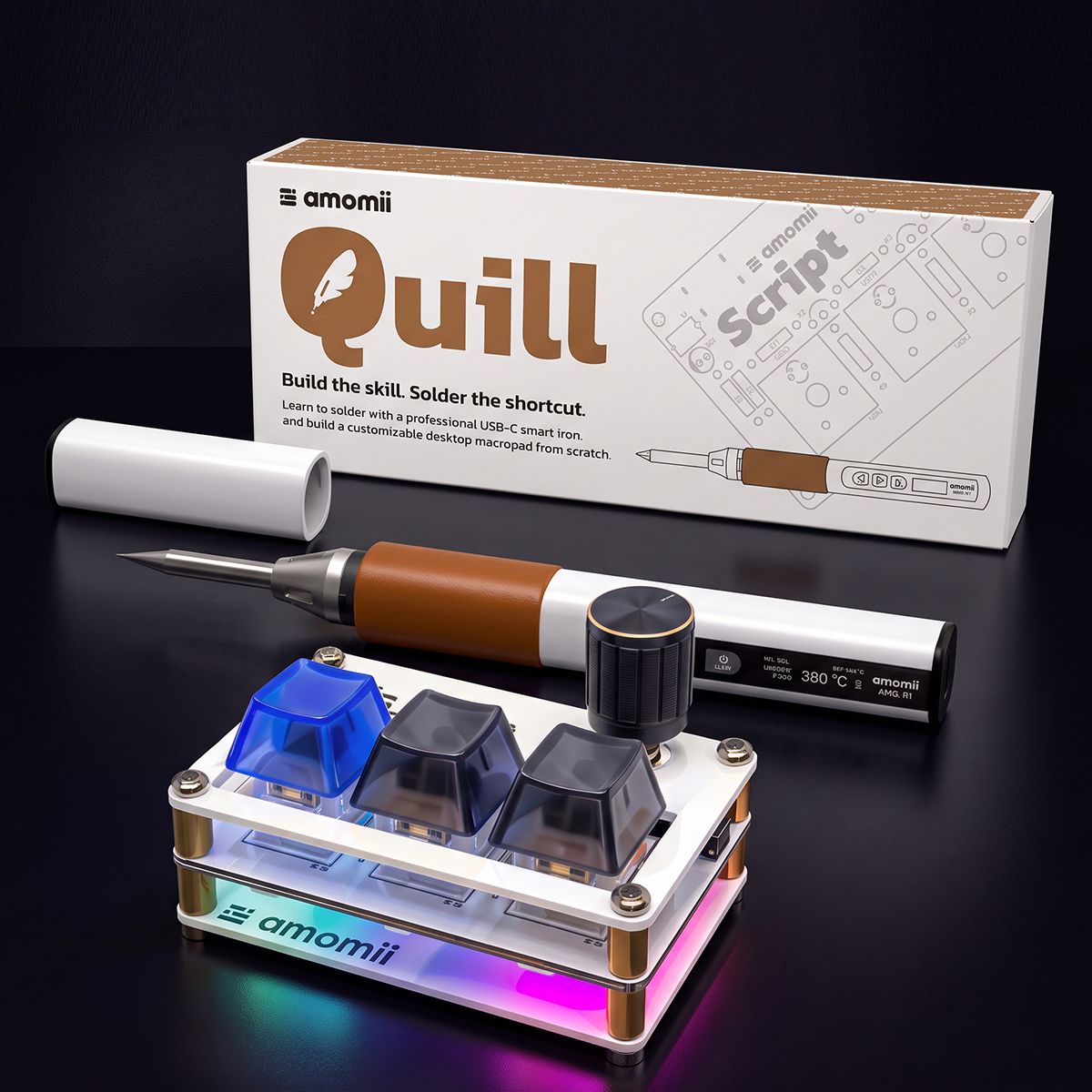
the Quill kit with its USB-C soldering iron and a finished board, bright background
Optional starter

Quill

A learn-to-solder kit with a USB-C soldering iron, for students new to soldering before Testudo.

What everyone gets
For students

Real engineering

  • Code, circuits and soldering they can show for it
  • A story that makes them want the next lesson
  • Design projects for real people, in any material
  • Work at their own pace
For teachers

Evidence without extra marking

  • The board records a three-star rating for every lesson
  • Reflections at the end of each lesson
  • Ready-to-paste statements of what each lesson taught
  • Online onboarding in running the course
For the school

Fits real school IT

  • Designed to support IB Design courses
  • Mapped to Cambridge IGCSE™ Design & Technology and Computer Science, and NGSS high school engineering design
  • No installs, no logins, no student data to manage
  • Four design projects a year, one per block
Book a demo

Let's talk.

Leave your details and our team will set up a demo: we learn about your school, show you the courses and map out what getting started could look like.

Prefer email?

hello@boltinventors.com
A teacher with students during a hands-on lesson
I'm getting in touch for
Levels you're interested in (optional)